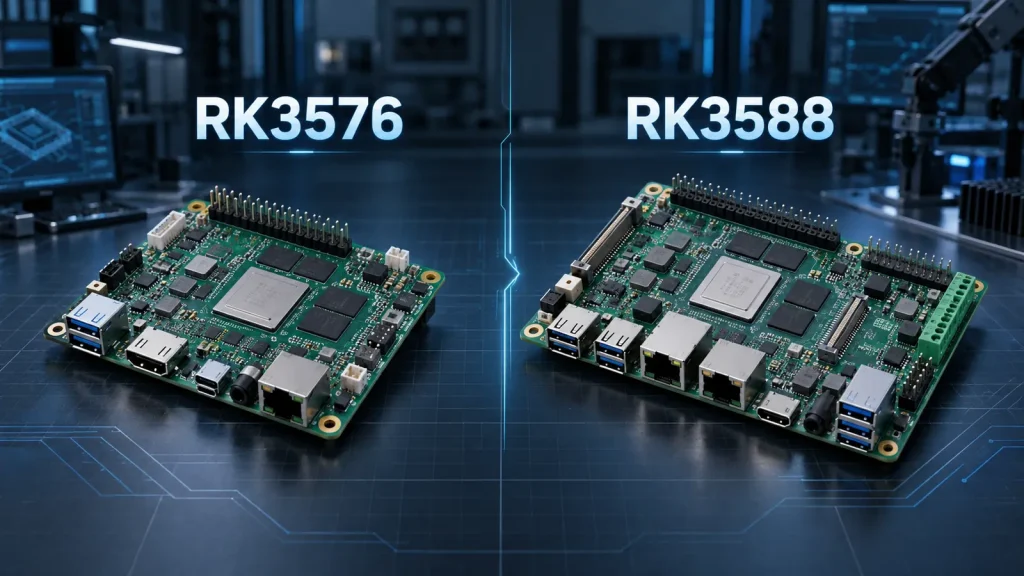
We have recently received more enquiries for RK3576-based boards. One question comes up regularly: can RK3576 replace RK3588?
Sometimes it can. RK3588 is still the more powerful processor, but many industrial products do not need everything it offers. For a touchscreen HMI with local AI, one or two cameras and standard industrial communication, RK3576 may already provide enough performance. It can also make the board, power supply and thermal design easier to manage.
The answer changes when the product needs several cameras, heavy graphics, multiple high-resolution displays or demanding video processing. In those cases, RK3588 has clear advantages. This RK3576 vs RK3588 comparison looks at where those differences matter in a real product.
RK3576 vs RK3588: Quick Comparison
| Item | RK3576 | RK3588 |
|---|---|---|
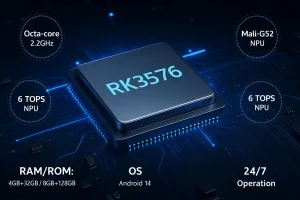
| CPU | 4× Cortex-A72 + 4× Cortex-A53, up to 2.2 GHz | 4× Cortex-A76 + 4× Cortex-A55 |
| GPU | Arm Mali-G52 MC3 | Arm Mali-G610 MP4 |
| NPU | Up to 6 TOPS | Up to 6 TOPS, triple-core architecture |
| Memory interface | 32-bit LPDDR4/LPDDR4X/LPDDR5 | Quad-channel 16-bit LPDDR4/LPDDR4X/LPDDR5 |
| Video | Up to 8K30 decoding and 4K60 encoding, format-dependent | Up to 8K60 decoding and 8K30 encoding, format-dependent |
| Best fit | Advanced HMI, AIoT and moderate edge AI | Multi-camera vision, demanding graphics and multimedia |
These are processor-level capabilities. A finished SBC may not bring out every interface, and some high-speed resources can be shared. The final board specification and BSP are just as important as the SoC data. Full details are available on the official RK3576 and RK3588 product pages.
Where Will You Notice the Performance Difference?
For a normal control panel, the difference may be smaller than the specifications suggest. RK3576 has four Cortex-A72 and four Cortex-A53 cores, which is enough for many Android and Linux HMIs with charts, animations, networking, local data storage and background communication.
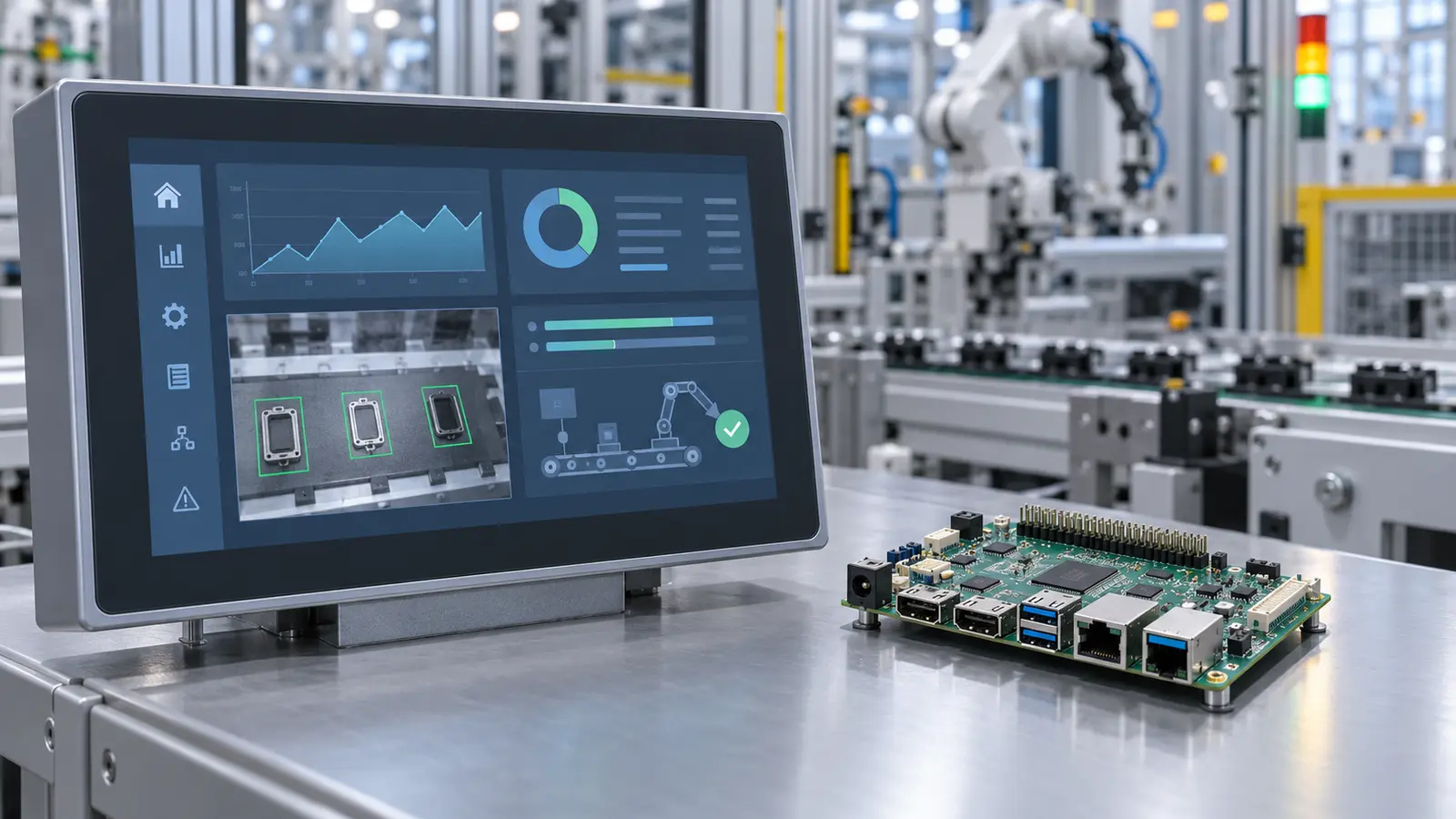
RK3588 starts to show its advantage when several demanding tasks run together. Its newer CPU cores, Mali-G610 MP4 GPU and wider memory architecture give it more headroom for complex 3D interfaces, multiple video streams and sustained data processing.
We would not select RK3588 simply because it is faster. First, we look at the display resolution, UI framework, number of applications and expected CPU/GPU load. A 10.1-inch HMI showing machine status and running one recognition function has very different requirements from a multi-screen vision system recording several camera feeds.
Both Have 6 TOPS. Are They Equal for AI?
No. The same TOPS figure does not mean the complete systems will deliver the same result.
AI inference also uses memory, CPU processing and image input. Model conversion matters too. An operator that is not efficiently supported by RKNN may fall back to another processing path and change the expected performance. Input resolution, quantization and the number of simultaneous streams can make a large difference.
RK3576 is a reasonable candidate for face recognition, occupancy detection, voice interaction, basic object detection and equipment-condition monitoring. If the application combines several cameras with AI, recording, high-resolution display and other background tasks, RK3588 provides more system-level margin.
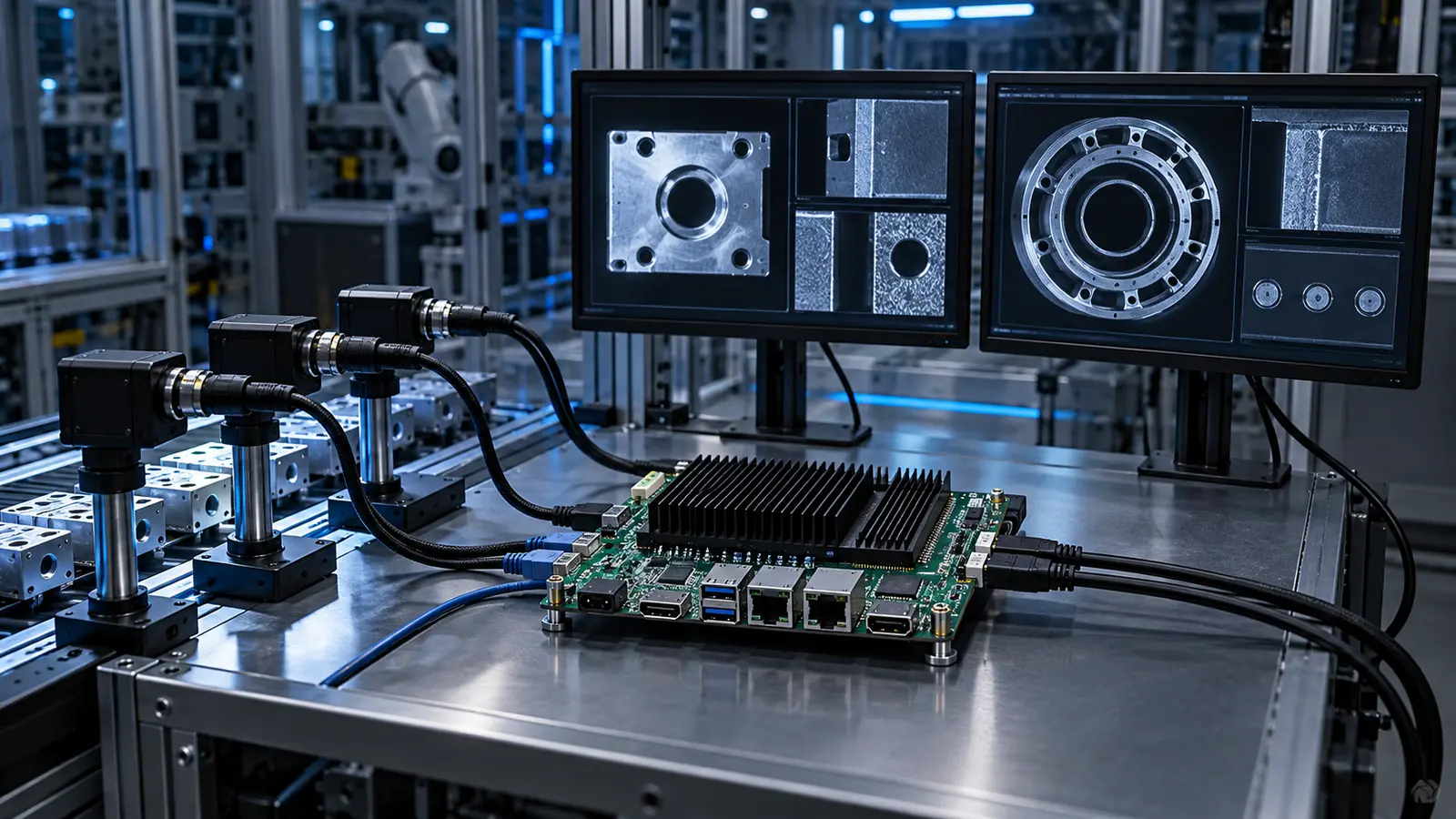
For a serious evaluation, we ask for the actual model or at least the framework, input size, required frame rate and target latency. A demo model can show that the NPU works; it cannot prove that the customer’s model will meet the project requirement.
Display, Camera and Interface Planning
RK3576 supports several display types, including MIPI DSI, HDMI/eDP, DisplayPort and parallel output. Rockchip specifies support for up to three displays with different sources. RK3588 offers more extensive high-resolution display and multimedia capability.
What matters to the customer, however, is not the interface shown in the SoC block diagram. It is the connector available on the board and whether the software has been configured for the selected LCD.
For an HMI project, we normally confirm the LCD interface and timing, backlight voltage and control, touch-controller interface, power sequence and reset behavior. With multiple displays or cameras, we also check whether the required combinations can work at the same time. PCIe, SATA, USB, display and camera resources cannot always be allocated independently.
The same applies to industrial communication. CAN capability still needs the correct transceiver and protection circuit. RS485 and RS232 require external circuitry. Isolation, termination and ESD protection should be defined according to the final equipment, not added as an afterthought.
Software, Heat and the Cost of the Complete Board
Both platforms support Android and Linux, but “Linux supported” is not yet a complete software specification. The customer may need Buildroot, Yocto, Debian or Ubuntu, together with a particular kernel, GPU acceleration, display driver and update method. Those details can influence the schedule more than the processor selection itself. Our separate guide explains the practical differences between an Android SBC and Linux SBC.
Power consumption also needs to be measured on the actual board. RAM, storage, wireless modules, cameras, USB devices and the LCD backlight all contribute. We do not use a fixed percentage to describe how much power RK3576 may save compared with RK3588 because the result changes with the configuration and workload.
The same caution applies to temperature. An open board running on a desk is not representative of a sealed industrial enclosure. The useful test is a sustained worst-case workload inside the final mechanical design, with the SoC, PMIC, memory and internal ambient temperature monitored.
RK3588 may require a more complex PCB, power design and cooling solution. That is acceptable when the application uses its additional capability. If it does not, RK3576 may reduce the overall system burden—not only the processor cost.
Which One Should You Choose?
| Project | Starting Point | Why |
|---|---|---|
| Standard industrial HMI without AI | RK3566/RK3568 | RK3576 may already be more than the application needs. |
| Advanced HMI with local AI | RK3576 | Good balance of UI, NPU and connectivity. |
| Face-recognition terminal | RK3576 or RK3588 | Depends on the model, camera and latency. |
| One- or two-camera smart terminal | Evaluate RK3576 first | It may meet the workload without moving to RK3588. |
| Multi-camera machine vision | RK3588 | More headroom for camera, CPU, GPU and memory load. |
| High-resolution multi-display system | RK3588 | Stronger display and multimedia architecture. |
In short, RK3576 is worth evaluating when RK3566-class performance is no longer enough, but the application does not clearly need RK3588. It is particularly relevant for advanced industrial panels, smart building controllers, recognition terminals, medical interfaces and retail equipment with moderate edge AI.
RK3588 remains the safer choice for heavy multi-camera processing, complex graphics, high-resolution multi-display systems and several high-load functions running together.
For additional application examples, see our article on RK3576 edge AI in industrial control panels.
What We Need Before Recommending a Board
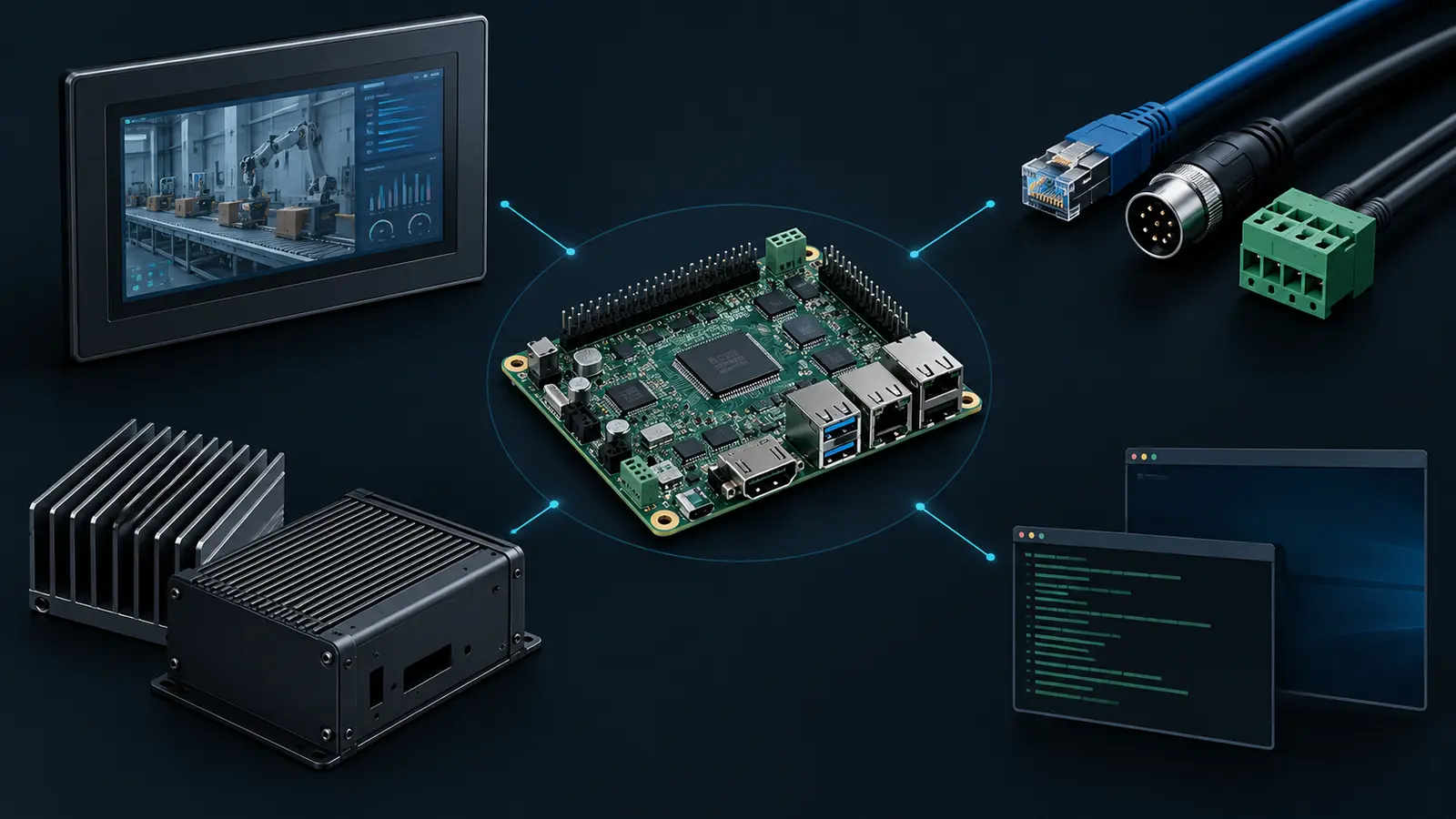
A request that only says “we need an RK3576 board” leaves most of the project undefined. To evaluate a standard or custom SBC, it helps to provide:
- Product application and main software workload
- Android or Linux version
- LCD size, resolution, interface and brightness
- Number and specification of displays and cameras
- AI model, framework and required latency
- RAM, storage, network and industrial interfaces
- Input voltage, PCB dimensions and connector positions
- Operating temperature, certifications and annual quantity
This information usually makes the RK3576 or RK3588 decision much clearer. It also reveals whether a standard board can be used or whether the interfaces, shape and software should be customized.
Conclusion
RK3588 wins the performance comparison, but that does not make it the automatic choice for every industrial product. RK3576 already covers many applications that need a modern graphical interface, local AI and richer connectivity than a conventional HMI platform can provide.
We recommend choosing after the display, cameras, AI workload, interfaces, software and enclosure have been reviewed together. If RK3576 meets those requirements with enough margin, there is little benefit in paying for unused RK3588 capability. If the project is already close to the limits of RK3576, choosing RK3588 early can avoid a costly redesign later.
Frequently Asked Questions
What is the main difference between RK3576 and RK3588?
RK3588 has stronger CPU, GPU, memory and multimedia resources. RK3576 is aimed at applications that need more than a mainstream HMI processor but do not require the full RK3588 platform.
Can RK3576 replace RK3588?
It can in some advanced HMI and moderate edge AI projects. It is not a drop-in replacement, so processing load, interfaces, board design and BSP support must be reviewed.
Is RK3576 suitable for industrial HMI?
Yes. It can support rich user interfaces, communication and local AI. The reliability of the final product still depends on board design, component selection, power, cooling and software validation.
Does RK3576 have the same AI performance as RK3588?
Both are specified at up to 6 TOPS, but real performance can differ because of memory bandwidth, CPU processing, model conversion and the complete workload.
Can RK3576 drive multiple displays?
Rockchip specifies up to three displays with different sources. The combinations available on a product depend on the board layout, interface sharing and BSP configuration.