Rocktech built a smart panel with two Ethernet ports around the RK3566. One port connects to the local network and the other provides internet access. For an engineer comparing RK3566 vs RK3568, that panel raises a useful question: does the product need two sockets, or two native Ethernet controllers? If the lower-cost RK3566 board handles the application and all its peripherals together, it is the one I would specify.
Will RK3568 make the same touch panel feel faster?
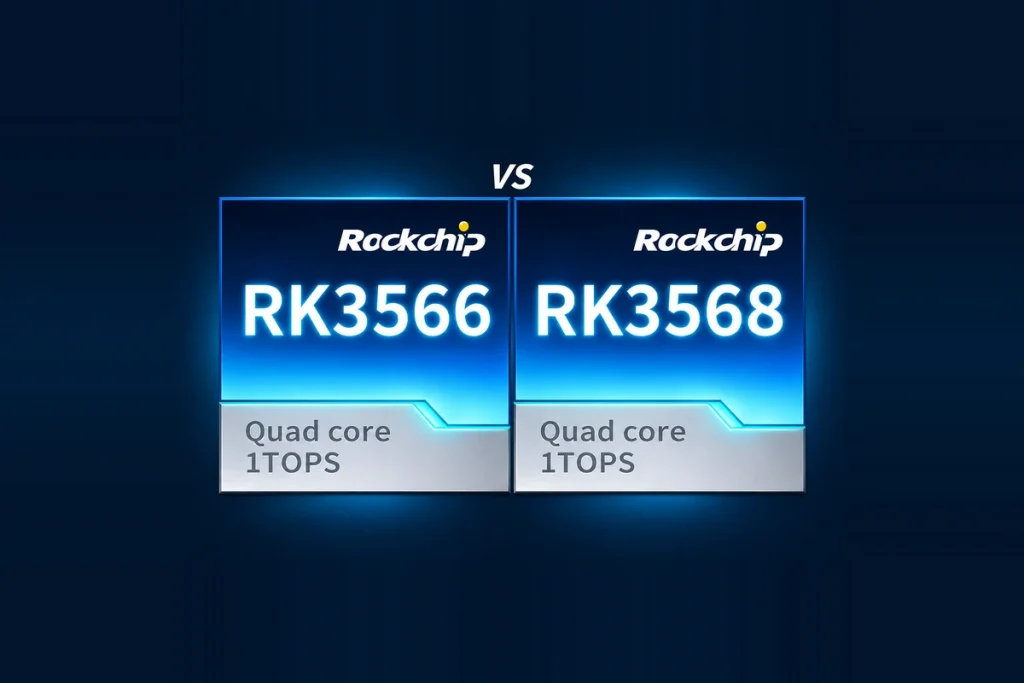
Both Rockchip processors have four Arm Cortex-A55 CPU cores and a Mali-G52-2EE GPU. That puts them in the same general class for application code and graphics. If an operator complains that a trend chart freezes during a log write, the processor model alone tells you little. The application may be waiting on storage while the graphics hardware sits idle.
A useful RK3566 performance comparison starts with the slowest interaction an operator will actually notice. Run the same application build at the same panel resolution on both boards. Record frame times while scrolling the chart, first with logging disabled and then with the production logging rate. Match the RAM and storage configurations where possible. Repeat after the enclosure has warmed up. If both panels meet the response target under those conditions, you can settle the purchase on interfaces and price.
RK3566 vs RK3568 at the connector
| Product requirement | What RK3566 offers | When to evaluate RK3568 |
|---|---|---|
| A panel and a service monitor | Its native dual-display path uses one image source. Check whether the board supports mirroring on the chosen connectors. | The operator must keep the controls visible while the second screen shows separate instructions or diagnostics. |
| Two wired network connections | One native gigabit Ethernet MAC. A board designer can add network hardware for a second socket. | The design calls for two native MACs. RK3568 provides both. Check that the board routes each one to its own port. |
| A fast USB peripheral, PCIe module and SATA drive | USB 3.0 host shares one high-speed lane with a SATA option. PCIe 2.1 shares the other with a second SATA option. | All three devices must run together. RK3568 adds PCIe 3.0 lanes, giving the designer another place to connect a compatible module. |
For a two-screen terminal, sketch what each user sees during a transaction. A technician standing behind the machine may need a copy of the operator’s screen. A customer facing the other way may need a price and receipt while the operator sees inventory and controls. Both briefs say “two screens,” but only the second calls for two independent images. On an RK3568 board, confirm that the selected pair of outputs can run those images at the specified resolutions and refresh rates.
Consider a recorder that takes images from a USB 3.0 camera, uses a PCIe network module and writes to a native SATA drive. On RK3566 the camera and network module have already claimed both of the lanes that can carry SATA. A larger power supply or a different driver cannot free one. If the recording fits on eMMC with adequate write endurance, RK3566 stays in contention. If the removable SATA drive is part of the service contract, review an RK3568 schematic and trace all three devices through it. Several high-speed functions on that chip still share lanes.
What two Rocktech panel designs tell us
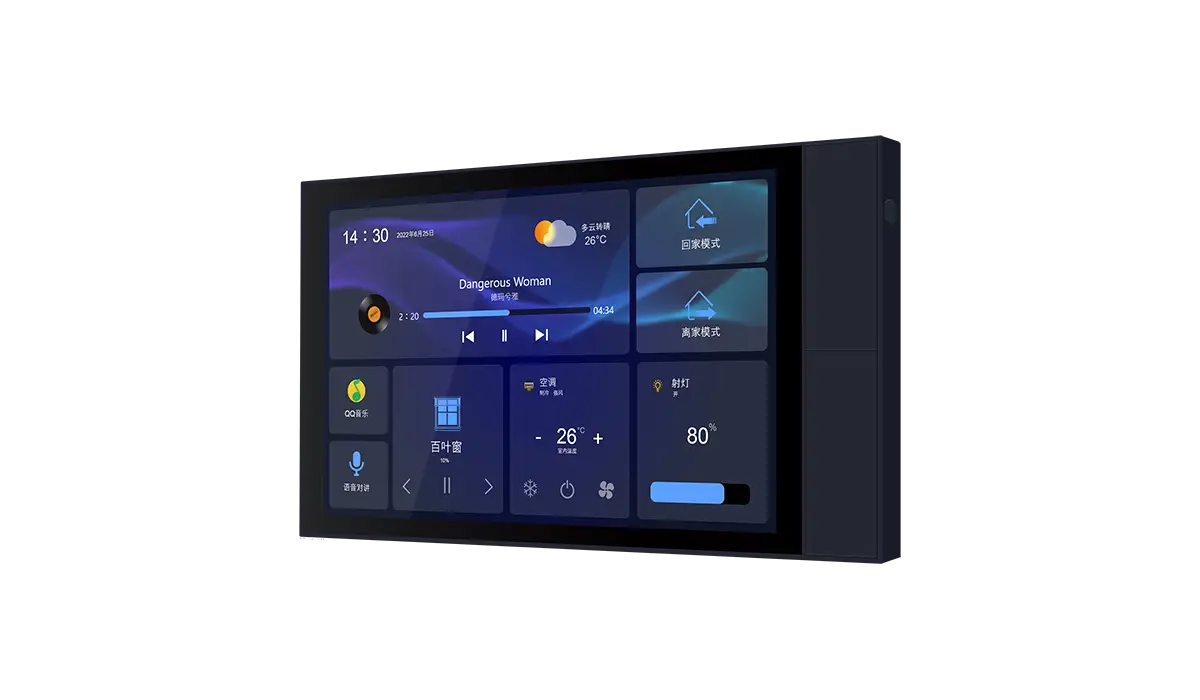
Rocktech’s A10E smart home panel pairs an RK3566 board with a 10.1-inch display and controls devices such as lights, curtains and switches. For a similar panel, write down what happens during a busy moment. Someone may swipe through a room list, tap a light and wait for its reported state to change. That sequence gives the software team a meaningful acceptance test before anyone allocates more money to the processor.
A separate design in Rocktech’s RK3566 single board computer range has the two Ethernet sockets described above. It illustrates a distinction that matters in an RK3566 vs RK3568 review. The enclosure drawing specifies where the cables go. The network specification determines how much traffic each link must carry and whether the product must forward packets between them. Rocktech identifies the purpose of each port in this design. For a gateway, the detail missing from the panel specification is forwarding throughput. How much traffic must pass from one network to the other while the display and application are running? Rocktech’s published example establishes that the RK3566 panel has two ports. A gateway buyer still needs simultaneous traffic measurements for the proposed board.
Compare the cost at the quantity you expect to ship
Ask for two board quotes with the same RAM, eMMC capacity, operating temperature range and order quantity. For RK3566, include every component needed to deliver the agreed interfaces. A second network controller can add component and assembly costs on every unit. Bringing up its driver and testing recovery after a cable disconnect also take engineering time, even if the driver already exists.
For an RK3566 vs RK3568 cost comparison, divide each design’s one-time engineering and validation charges by its expected shipment quantity, then add that amount to its assembled board price. Count each charge once. A small production run can favor an existing RK3568 board if it avoids a custom layout. At higher volumes, a modest unit saving on an RK3566 design can cover that layout work. Using the first committed order as well as the lifetime forecast shows how much the choice depends on repeat sales.
Frequently asked questions
What should I request when a board is advertised with dual Gigabit Ethernet?
Ask for the board revision, a diagram showing how both ports connect to the processor, and throughput figures measured with both links active. If the board will forward packets between networks, specify packet size, traffic direction and any filtering the product will use. The negotiated speed shown for each link answers only part of that question.
Can a service monitor mirror the operator panel at a different resolution?
Possibly. A shared image source tells you what content the screens receive. The supported output timings still depend on the display hardware, the board routing and the driver. Give the board supplier both screen models and ask for a demonstration with the panel already running when the service monitor is plugged in.
Can we defer the choice until a prototype is running?
You can defer the performance decision if you have evaluation boards for both processors. Settle the pin and lane allocation before laying out a production board. A prototype that boots from eMMC and talks to one peripheral at a time can pass a software demonstration while leaving a required combination of production interfaces unavailable.
For your final RK3566 vs RK3568 decision, send the same screen modes, simultaneous peripheral list and order quantity to the board team. A custom embedded HMI quotation can then identify the cost of the particular feature that changes the choice. Before signing off on RK3566 vs RK3568, put the display modes and the devices that must run together on the same quotation request. Have both boards priced at the quantity on the first purchase order. If the RK3568 quote comes back higher, ask which requirement that premium covers. A second independent display is a clear answer. An unused expansion port is a good reason to keep the RK3566.