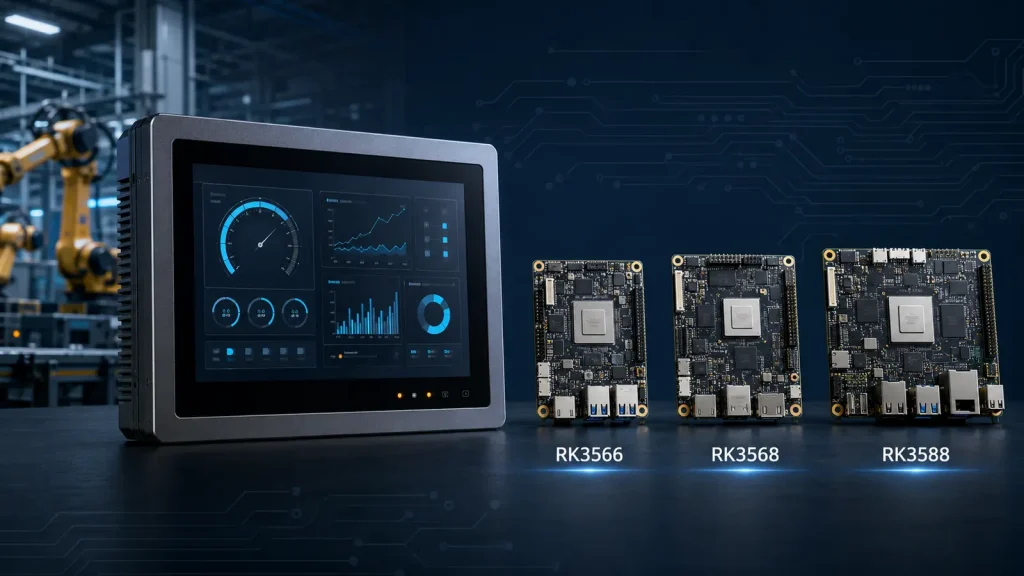
Choosing the right Rockchip SBC for industrial HMI applications requires more than comparing CPU or NPU performance. In many real products, display compatibility, industrial communication interfaces, power consumption, thermal design, operating system support and long-term production requirements matter more than benchmark results.
The Rockchip RK3566, RK3568 and RK3588 can all be used in embedded display systems, but they target different levels of performance and system complexity. A smart thermostat and an AI vision terminal, for example, may both use a touchscreen, yet their processing and interface requirements are completely different.
This guide compares the three platforms from a product-development perspective and explains how to select a suitable Rockchip SBC for an industrial HMI, smart control panel or embedded terminal.
What Does an Industrial HMI Require from an SBC?
An industrial HMI combines a display, touchscreen and computing platform so that users can monitor equipment, adjust settings and interact with a machine or connected system. Typical applications include factory control panels, HVAC controllers, building automation terminals, medical equipment, EV charging interfaces, access-control systems and smart home panels.
Unlike a general-purpose development board, an industrial SBC normally needs to meet product-specific requirements such as:
- stable operation for long working hours;
- support for Android, Linux, Buildroot or Yocto;
- LVDS, MIPI DSI, RGB, eDP or HDMI display output;
- I²C or USB communication for a PCAP touchscreen;
- UART, RS232, RS485, CAN and GPIO interfaces;
- Ethernet, Wi-Fi, Bluetooth or cellular connectivity;
- 12 V or 24 V power input;
- customized PCB dimensions and connector positions;
- controlled hardware and software revisions for mass production;
- suitable ESD, EMI and thermal design for the intended environment.
For this reason, choosing an industrial SBC begins with the complete product architecture rather than the processor specification alone.
RK3566, RK3568 and RK3588 at a Glance
According to the official Rockchip RK3566 specifications, The RK3566 and RK3568 both use a quad-core Arm Cortex-A55 CPU and a Mali-G52 GPU. They are well suited to mainstream embedded products that require a responsive graphical interface, 4K-class multimedia capability and light AI acceleration. Their main differences are found in connectivity, expansion and industrial interface options.
The RK3588 is a higher-performance platform with four Cortex-A76 cores, four Cortex-A55 cores, a Mali-G610 GPU and a 6 TOPS NPU. It is designed for more demanding edge-computing, multi-display, video and AI applications.
| Platform | Typical applications | Main advantage | Main consideration |
|---|---|---|---|
| RK3566 | HVAC panels, smart home controllers, access control and standard industrial HMI | Good balance of cost, power consumption and multimedia performance | Fewer expansion and industrial connectivity options than RK3568 |
| RK3568 | Industrial controllers, gateways and communication-rich HMI systems | Richer I/O, networking and expansion capabilities | More complex board design and potentially higher total cost |
| RK3588 | Edge AI terminals, machine vision, multi-display systems and high-performance multimedia devices | Much stronger CPU, GPU, NPU and display performance | Higher cost, power consumption, thermal load and software complexity |
The right platform is therefore the one that meets the actual system requirements with appropriate design margin—not necessarily the most powerful one.
Detailed processor documentation is also available from the Rockchip Support Documents page.
When Is RK3566 the Better Choice?
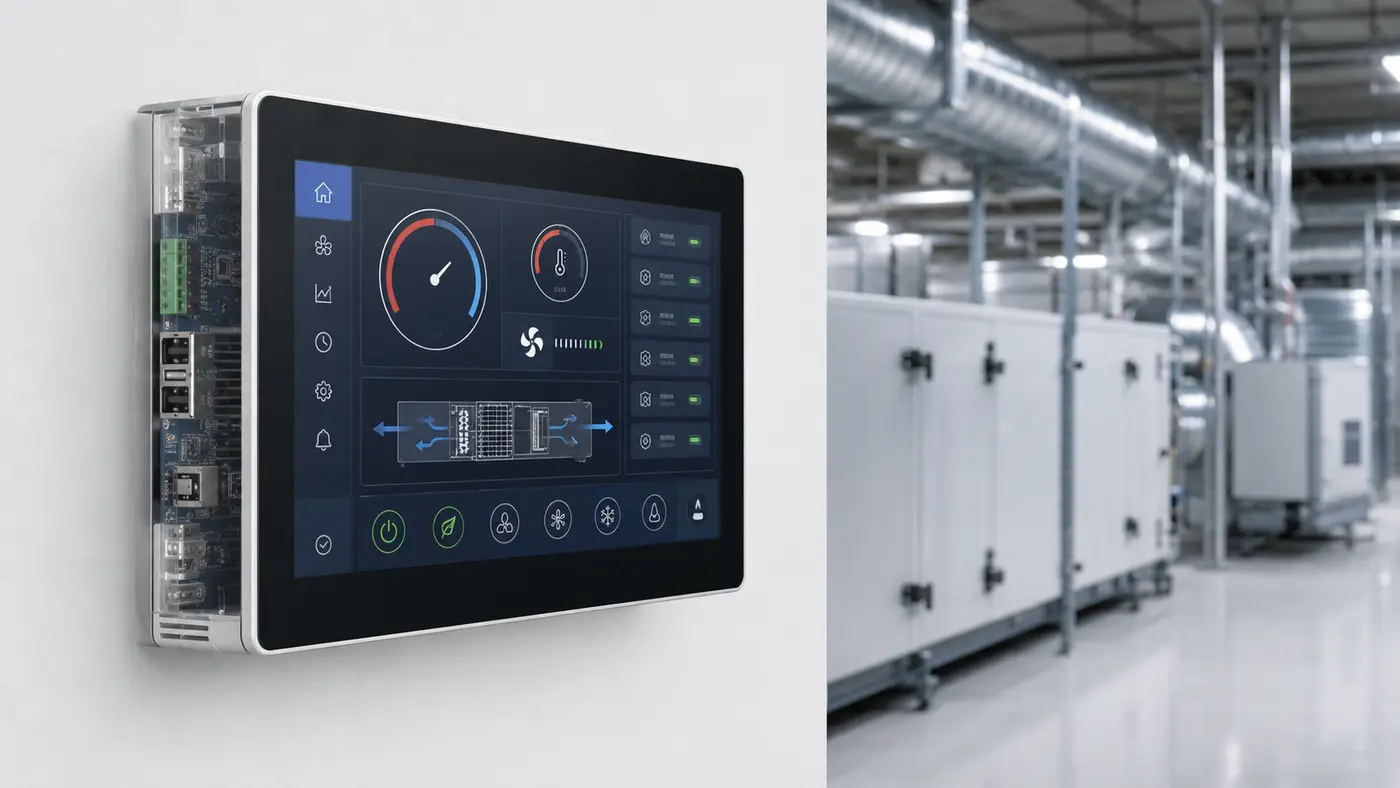
The RK3566 is often a practical choice for cost-sensitive, display-oriented embedded products. It provides enough performance for modern graphical user interfaces, video playback, network communication and common control functions without introducing the cost and thermal requirements of a high-end processor.
Typical RK3566 applications include:
- 7-inch and 10.1-inch Android touch panels;
- HVAC and heat-pump controllers;
- smart home and building automation panels;
- access-control and video-intercom terminals;
- fitness equipment displays;
- digital signage and self-service terminals;
- standard industrial monitoring interfaces.
The RK3566 supports common embedded display interfaces, including LVDS, MIPI DSI, eDP, RGB and HDMI. It can therefore be integrated with a wide range of TFT LCD modules, depending on the final board design.
If a product mainly needs one touchscreen display, Ethernet, Wi-Fi, Bluetooth and several standard serial interfaces, an RK3566 SBC can provide a better cost-performance balance than a more complex platform.
However, engineers should not assume that every off-the-shelf RK3566 board exposes every interface supported by the SoC. The available display ports, GPIO allocation and communication interfaces depend on the actual schematic and PCB design.
When Should You Choose RK3568?
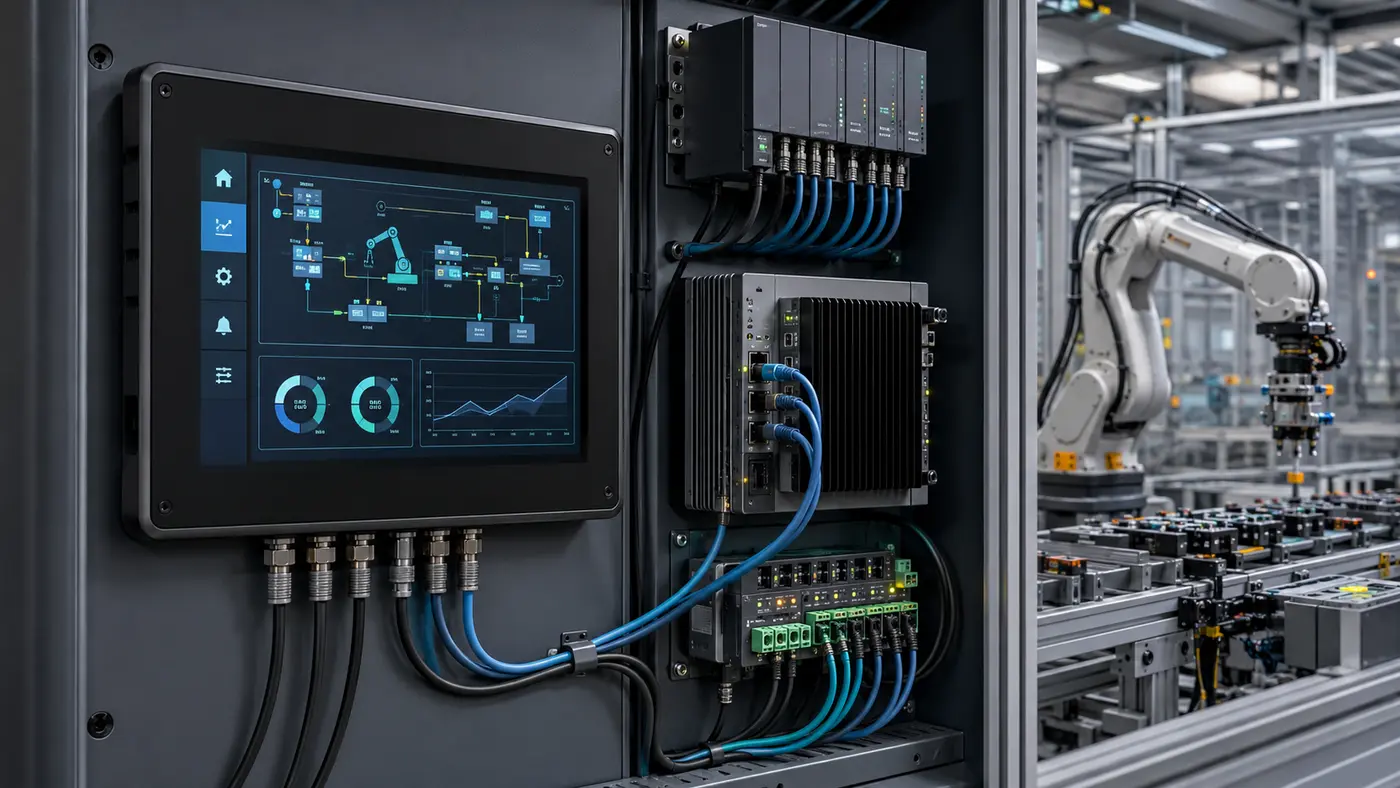
RK3568 is based on a similar CPU and GPU architecture to RK3566, so the decision between them is not primarily about a dramatic increase in application speed. RK3568 becomes more attractive when a product requires richer connectivity, networking or industrial expansion.
It is a strong candidate for applications such as:
- industrial automation controllers;
- HMI systems with CAN or multiple serial ports;
- IoT and protocol-conversion gateways;
- dual-Ethernet control terminals;
- multi-display systems;
- equipment requiring PCIe, SATA or additional peripheral expansion;
- data-acquisition and edge-control devices.
For example, an HVAC panel with one display and one RS485 port may work well with RK3566. A building controller that combines dual Ethernet, CAN, several RS485 channels and expansion modules may justify an RK3568 design.
Some RK3568 functions share multiplexed resources, and not every theoretical interface combination can be used simultaneously. Before freezing the board architecture, the required ports and pin allocation should be reviewed together. This is particularly important for customized industrial SBC projects with several communication and display interfaces.
When Is RK3588 Necessary?
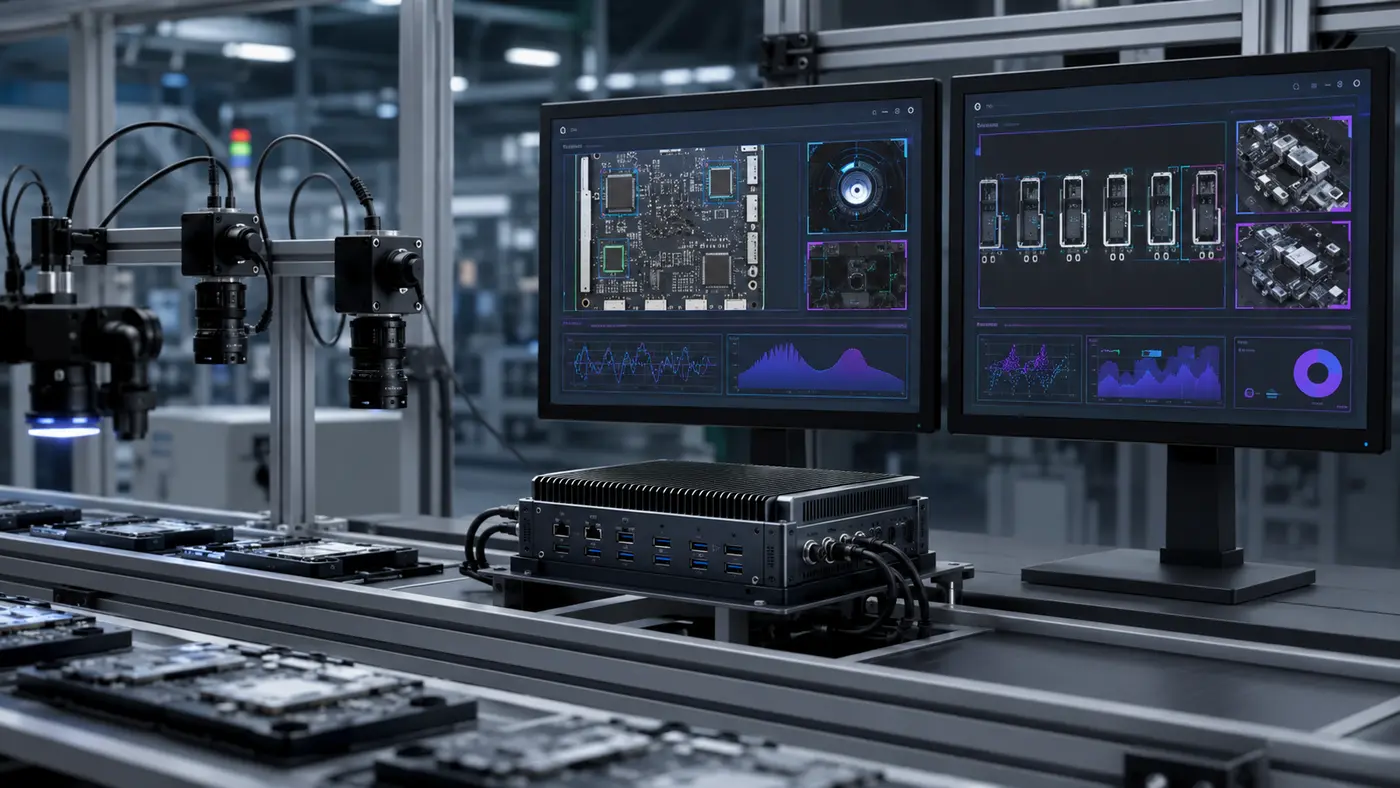
RK3588 targets a different performance class. Its eight-core CPU, more powerful GPU, 6 TOPS NPU and advanced multimedia capabilities make it suitable for computationally demanding products.
Typical applications include:
- edge AI and machine-vision terminals;
- high-resolution multi-display systems;
- video conferencing and media-processing equipment;
- intelligent kiosks using camera analytics;
- complex digital signage systems;
- edge computers running multiple services or containers;
- applications requiring local neural-network inference.
RK3588 can be an excellent platform when its performance is genuinely required. However, for a conventional 7-inch or 10.1-inch control panel, it may increase PCB cost, memory cost, heat generation and software-development effort without creating a meaningful improvement in the user experience.
Thermal design also becomes more important. Enclosure material, internal airflow, heat spreading, ambient temperature and continuous processor load must be considered. A processor that performs well on an open development board may behave differently inside a sealed industrial enclosure.
Therefore, RK3588 should normally be selected because the application requires high-performance computing, AI or complex display processing—not simply because it is the highest specification available.
RK3566 vs RK3568: The Practical Decision
For many industrial HMI projects, the real comparison is RK3566 vs RK3568.
Choose RK3566 when:
- the product is mainly a graphical control or monitoring terminal;
- cost and power consumption are important;
- one primary display is sufficient;
- the interface requirements are relatively standard;
- light AI acceleration is enough;
- the application does not require extensive PCIe, SATA, CAN or networking expansion.
Choose RK3568 when:
- the design requires richer industrial communication;
- dual Ethernet or more complex networking is needed;
- multiple displays or cameras must be integrated;
- additional expansion interfaces are required;
- the product acts as both an HMI and an industrial gateway.
In short, RK3566 is often optimized for the user interface, while RK3568 is more suitable when the HMI must also perform broader control, gateway or connectivity functions.
Android SBC or Linux SBC?
After selecting the processor, the operating system is the next major decision. Rockchip platforms can support different Android and Linux-based software environments, but the correct choice depends on the application and the available BSP.
When Android Is a Good Fit
An Android SBC is commonly selected for products that require:
- a modern, touch-oriented graphical interface;
- fast application development using the Android ecosystem;
- multimedia playback;
- third-party APK integration;
- familiar UI frameworks;
- Wi-Fi, Bluetooth and network-connected functions.
Android is frequently used in smart home panels, HVAC controllers, access-control devices, fitness equipment and commercial terminals.
When Linux, Buildroot or Yocto Is a Better Fit
A Linux SBC may be more suitable when the product requires:
- a compact and controlled software environment;
- optimized startup time;
- direct integration with industrial protocols;
- customized background services;
- tighter control over system resources;
- long-term maintenance of a dedicated embedded application.
Buildroot can be useful for creating a lightweight embedded Linux image, while Yocto provides a structured approach for building and maintaining a customized Linux distribution. The selection should consider not only initial development speed but also the customer’s software experience and long-term update strategy.
Why an Off-the-Shelf Development Board May Not Be Enough
A standard development board is useful during software evaluation and early proof-of-concept testing. However, it often creates limitations when a product moves toward certification and mass production.
Common problems include:
- PCB dimensions that do not fit the enclosure;
- display and touch connectors in inconvenient positions;
- missing RS485, CAN or 24 V power input;
- unused interfaces that increase size and cost;
- consumer-grade connectors that are unsuitable for vibration or repeated assembly;
- insufficient control over component substitutions;
- BSP limitations when integrating a specific LCD or touchscreen;
- unclear long-term availability or hardware revision policies.
A custom SBC allows the hardware to be designed around the product instead of forcing the product to accommodate a generic board.
For early prototypes, a standard Rockchip development platform can still be valuable. Once the display, touchscreen, communication functions and software are validated, the design can move to a customized board optimized for production.
What Can Be Customized on a Rockchip SBC?
A custom Rockchip board may include both hardware and software customization.
Typical hardware options include:
- processor, RAM and eMMC configuration;
- PCB size, mounting holes and connector placement;
- LVDS, MIPI DSI, RGB, eDP or HDMI display output;
- PCAP touchscreen integration through I²C or USB;
- RS232, RS485, CAN, UART, GPIO and relay interfaces;
- single or dual Ethernet;
- Wi-Fi, Bluetooth, 4G or other wireless connectivity;
- 12 V or 24 V power input;
- audio, camera, USB and storage interfaces;
- integration with a TFT display, touch panel and enclosure.
Software customization may include:
- Android or Linux BSP adaptation;
- LCD timing and touchscreen-driver integration;
- boot logo and startup animation;
- default system settings;
- GPIO and peripheral drivers;
- system service configuration;
- application pre-installation;
- firmware update and recovery functions.
The customization scope should be defined before schematic design begins. Changes made after PCB layout or tooling release usually increase development time and cost.
Information Needed Before Selecting a Rockchip SBC for industrial HMI
To recommend the right platform, a board supplier normally needs more than a preferred processor model. A useful project brief should include:
- Product application and working environment
- Display size, resolution and interface
- Touchscreen type and interface
- Required operating system and version
- RAM and storage requirements
- Ethernet, Wi-Fi, Bluetooth and cellular requirements
- RS232, RS485, CAN, GPIO and other I/O requirements
- Camera, audio and USB requirements
- Input voltage and power-management needs
- PCB or enclosure size limitations
- Operating-temperature target
- Estimated annual quantity and expected product lifetime
Providing this information early makes it easier to determine whether an existing SBC can be modified or a fully customized board is required.
Conclusion
When selecting a Rockchip SBC for industrial HMI, engineers should evaluate the complete system rather than focusing only on processor performance. RK3566 is often the most economical solution for mainstream Android or Linux HMI panels, while RK3568 is better suited to industrial controllers and gateways that require richer connectivity and expansion.
The processor is only one part of a reliable embedded HMI. Display and touchscreen compatibility, interface allocation, power design, thermal performance, software support and long-term production control must all be evaluated together.
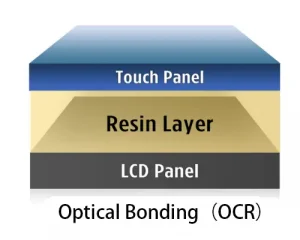
Rocktech supports customized Android and Linux SBC development based on Rockchip platforms, together with industrial TFT displays, PCAP touch panels, optical bonding and complete embedded HMI integration. From initial architecture and display selection to PCB development, BSP adaptation, prototyping and mass production, the complete system can be developed around the requirements of the final product.
If you are evaluating a Rockchip SBC for a new industrial HMI, share your display specification, required interfaces, operating system, mechanical constraints and expected volume with our engineering team. We can then assess whether an existing platform or a customized SBC is the more suitable starting point.
Frequently Asked Questions
Is RK3566 suitable for industrial HMI applications?
Yes. RK3566 is well suited to many industrial HMI and smart control-panel applications that require a responsive graphical interface, common display outputs, network connectivity and standard serial communication. The reliability of the final product still depends on the complete board, power, thermal and mechanical design.
What is the main difference between RK3566 and RK3568?
They use a similar quad-core Cortex-A55 CPU and Mali-G52 GPU architecture. RK3568 is generally selected when the product requires richer networking, industrial communication or expansion capabilities, while RK3566 is often more cost-effective for display-focused devices.
Should I choose RK3568 or RK3588 for an industrial control panel?
Choose according to workload rather than model number. RK3568 is sufficient for many control panels and industrial gateways. RK3588 is more appropriate when the product requires intensive AI inference, high-resolution multi-display output, advanced video processing or significantly greater computing performance.
Can a Rockchip SBC run both Android and Linux?
Many Rockchip platforms can support Android and Linux-based systems. Actual support depends on the board-level BSP, drivers and peripherals. Operating-system requirements should therefore be confirmed before hardware development begins.
Can an RK3566 board connect directly to an LVDS or MIPI display?
The RK3566 supports several display interface types, including LVDS and MIPI DSI. Direct connection depends on whether the chosen interface is implemented on the board and whether the BSP includes the correct LCD timing, power sequence and driver configuration.
Is a custom SBC better than Raspberry Pi for mass production?
For low-volume prototypes, Raspberry Pi can offer a convenient development environment. For an OEM product, a custom SBC may provide better control over size, connectors, interfaces, component lifecycle, unit cost and software configuration.