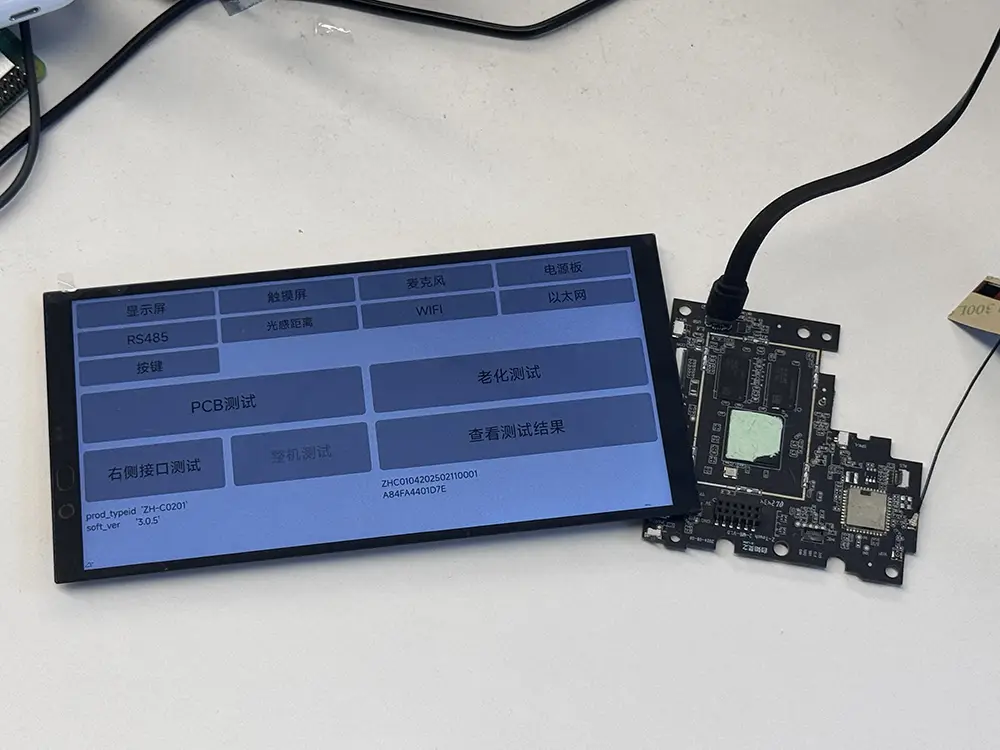
PCBA reliability testing evaluates how a printed circuit board assembly behaves under defined environmental and operating stresses. Burn-in is one screening method: the assembly operates for an extended period, often at elevated temperature, to expose latent defects. A functional test confirms operation under specified conditions; neither a brief functional check nor a successful burn-in establishes service life.
For embedded boards, check what was actually running during the test. A board can remain powered while its display output, storage, and communication interfaces do almost nothing. If the workload never accesses storage, the result says little about storage behavior during that exposure. Record which functions were active and how their operation was checked.
Separate Design Validation from Production Screening
Before choosing a PCBA reliability testing profile, decide whether the task is to qualify a design or screen production units. If the concern is solder-joint fatigue from repeated heating and cooling, a sustained powered run does not answer that question. Production burn-in targets defective units before shipment. Accelerated life testing requires a further step: identifying the failure mechanism and justifying how the test conditions relate to service conditions.
These activities can use similar equipment but answer different questions. Testing several prototypes does not establish that every production board is defect-free. Conversely, screening every board does not demonstrate long-term solder-joint durability. Specify the purpose, sample selection, hardware revision, and required evidence before choosing a chamber profile.
Choose Test Methods by the Expected Failure Mechanism
Start with the exposure the board will face. Repeated heating and cooling, moisture under electrical bias, and vibration at a mounting point place different demands on the assembly. Use the table to match each concern to a test method, then define the conditions for the actual installation.
| Method | What it investigates | Planning constraint |
|---|---|---|
| Powered burn-in | Latent defects exposed during sustained operation | Exercise relevant circuits and respect component operating limits. |
| Temperature cycling | Fatigue from repeated thermal expansion and contraction | Define temperature extremes, transition rates, dwell times, and cycle count. |
| Temperature-humidity-bias testing | Moisture-related electrical degradation under bias | Control humidity, temperature, bias, and condensation conditions. |
| Vibration testing | Mechanical weaknesses in assemblies and connections | Use suitable mounting, axes, profiles, and continuity monitoring. |
Thermal shock and gradual temperature cycling are not interchangeable procedures. Likewise, component qualification data cannot automatically qualify an assembled board with different solder joints, connectors, mounting, and cooling. A PCBA reliability testing plan must identify the assembly configuration covered by its conclusions.
Define PCBA Burn-In Testing Conditions Before Starting the Clock
Temperature and cooling
Check board temperatures under the intended workload before fixing the chamber setting. Measure locations selected from the thermal review, such as the processor package and power regulators. Record whether each reading is an air, package-surface, board, or junction-temperature measurement or estimate, and compare it with the corresponding limit. A thermocouple attached to a package does not directly measure junction temperature.
Document whether testing uses a bare board, an enclosure, or a representative thermal fixture. A fan blowing across an exposed board may hide the thermal constraint of a sealed installation. Conversely, removing required cooling can create failures unrelated to the intended screen.
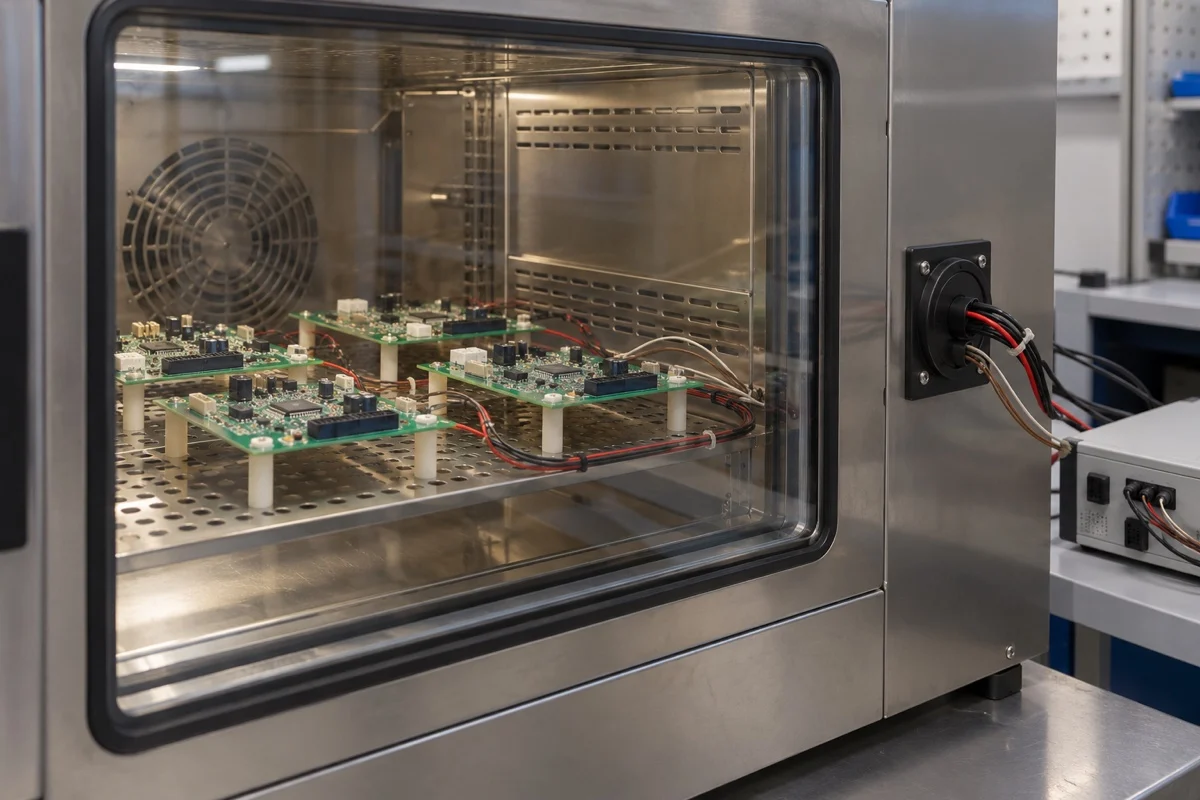
Supply, workload, and duration
Measure the supply voltage at the board input while the workload is running; the bench supply reading alone can miss voltage drop in the leads. Exercise the interfaces used by the application. For storage checks, read back known test data rather than counting successful write commands. Record the workload settings and software build so another run can reproduce the same activity. Use a repeatable workload that exercises the functions at risk. For an embedded computer, this might combine processing, memory activity, controlled storage operations, display output, and interface traffic. Record software versions because firmware changes can alter power consumption and fault handling.
A 24-hour or 72-hour run needs a defined temperature, workload, and timing rule. State when the exposure clock starts and what happens if power or temperature is interrupted. When reviewing the duration, examine when failures occurred, what caused them, and whether the screen exposed the defects it was intended to find. Additional hours alone do not demonstrate better coverage.
Monitor Behavior, Not Just Power-On Status
PCBA reliability testing needs evidence from the operating board. A power indicator cannot reveal a stalled application or an interface silently retrying transactions. Choose measurements that expose the failure modes identified in the plan:
- Log input current and selected supply rails against defined limits.
- Record critical temperatures alongside workload and chamber conditions.
- Capture unexpected resets, watchdog events, application hangs, and boot failures.
- Check interface error counters and data integrity using known test patterns.
- Preserve timestamps and unit identifiers so events can be correlated.
Validate the monitoring setup before loading a batch. Confirm that a disconnected device or stopped application produces a detectable event. Keep logs available outside the unit under test where practical; a failed board may lose its own final records.
Set Pass/Fail Criteria and Investigate Exceptions
Set the acceptance rules before the run starts. Separate unexpected resets, protocol retries, timeouts, and unrecovered data errors, then specify how each will be judged against the product requirements. A retry permitted by an interface specification does not make lost application data acceptable. An automatic reboot should leave the original failure event in the record, even if normal operation resumes.
Perform a baseline functional check and repeat it after exposure under specified recovery conditions. Compare measurements as well as simple pass/fail flags. For qualification samples, state the sample size and permitted failures; for production screening, define unit disposition and batch escalation rules.
If a unit fails, preserve its logs and configuration before repair. Check fixture contacts, supply behavior, and monitoring integrity, then investigate the board and software. A successful restart does not erase an unexplained failure. Record the cause, corrective action, and required retest, distinguishing product defects from confirmed setup faults.
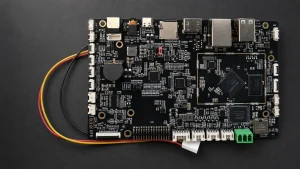
For a Rocktech embedded Android board, specify the board revision, software build, display, touch interface, and connected peripherals in the test request. Ask which functions the proposed screen exercises and what the report records. A change in display, cooling arrangement, or software build should trigger a review of whether the existing test evidence still applies.
Frequently Asked Questions
Can room-temperature operation replace elevated-temperature burn-in?
Not automatically. Room-temperature operation can reveal functional instability under the exercised workload, but it does not reproduce an elevated-temperature screen. Whether it is sufficient depends on the targeted defects and the approved requirements. Describe the actual conditions in the report rather than treating all extended powered operation as equivalent evidence.
Should every production PCBA undergo the same tests?
No. Qualification and production screening serve different purposes, and some qualification exposures can consume useful life or damage samples. Select production tests using defect history, product risk, manufacturing controls, and customer requirements. Validate any screening profile before routine use, and reassess it when components, assembly processes, or firmware change.
Does passing burn-in establish the board’s operating lifetime?
No. Passing burn-in shows that a particular unit met the stated criteria during a defined exposure. Estimating operating lifetime requires evidence linking relevant failure mechanisms to field conditions, supported by an appropriate model and statistical treatment. Hours spent in a chamber cannot be converted directly into years of service.
Make the Results Traceable
A report marked “passed” should identify the configuration and conditions behind that result. For PCBA reliability testing, retain the exposure profile, operating measurements, and failure or rework history with the unit records. A reviewer should be able to establish which functions were checked and how any exceptions were resolved.