Selecting the right Rockchip SoC for HMI systems is no longer just a technical decision—it is a long-term business decision. For industrial HMI panels, smart home control hubs, and medical device displays, the processor choice directly impacts cost structure, system stability, lifecycle risk, and maintenance effort.
Many teams still default to a simple assumption:
“New project = higher-end SoC.”
In practice, Rockchip SoC for HMI selection is a system-level decision involving the display interface, power budget, and long-term maintenance. This article compares PX30 vs RK3566 vs RK3576 from a real-world HMI system design perspective, focusing on performance relevance, display integration, power cost, and total cost of ownership (TCO)—not benchmark scores.
Understanding Real HMI Workloads (and Why Overperformance Is a Trap)
Most industrial HMI panel SoC workloads are predictable and stable:
- UI rendering (icons, menus, charts, transitions)
Touch processing (responsive to user input)
Communication with controllers (UART, RS485, CAN, Ethernet, GPIO)
Background monitoring and configuration logic
Unlike consumer tablets or multimedia terminals, HMIs rarely run sustained high-load compute tasks. This means SoC selection for industrial HMI should prioritize balance and reliability, not peak performance.
In industrial projects, Rockchip SoC for HMI selection directly affects power design, display integration, and long-term system stability.
Over-specifying the processor often introduces hidden costs:
- Higher power consumption → Expensive PMIC and thermal design
More complex PCB layout → Multi-layer boards, longer routing time
Increased thermal management → Active cooling, larger enclosures
Longer software stabilization cycles → Extended integration timelines
Reality check: In industrial HMI projects, the CPU sits idle 85-90% of the time. You’re paying for performance you’ll never use.
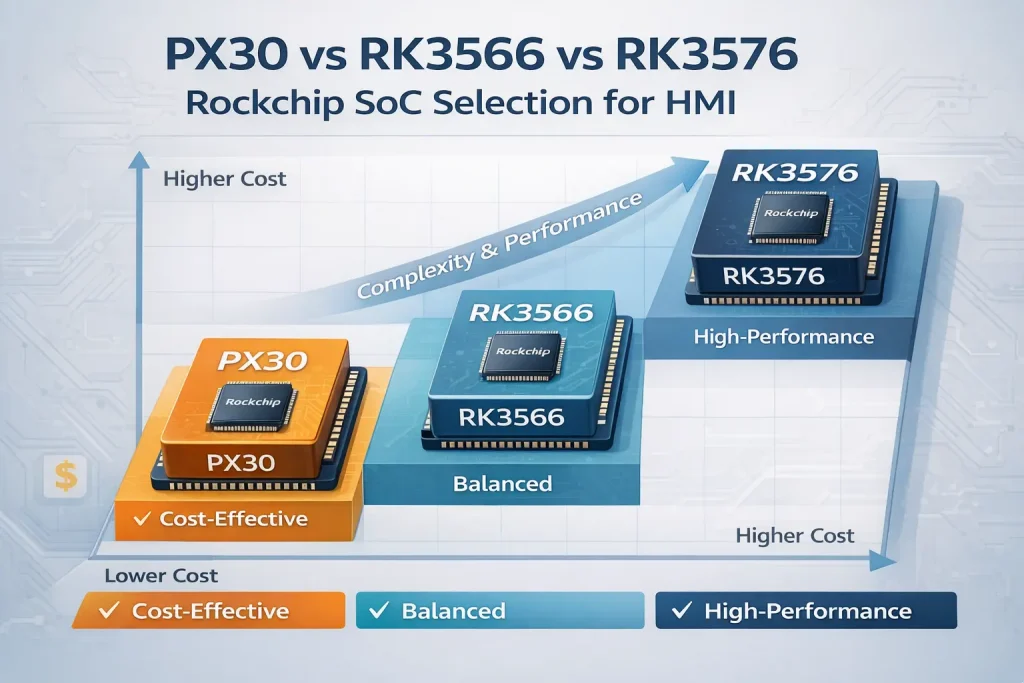
Rockchip SoC for HMI: PX30 vs RK3566 vs RK3576 Overview
PX30 — The Proven Workhorse for Industrial HMIs
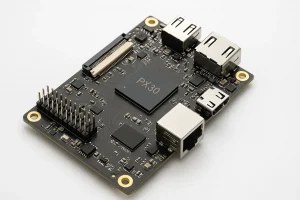
The Rockchip PX30 remains one of the most widely deployed solutions in industrial and commercial HMI systems.
Best suited for:
- 5″–10.1″ displays (most common industrial sizes)
Standard Android or Linux UI
Long-lifecycle industrial products (5-10+ years)
Cost-sensitive volume projects
LVDS display interface (most stable, well-proven)
PX30’s advantage is not raw power, but maturity:
- Stable BSPs with 8+ years of proven deployments
Predictable supply chain (multiple sources)
Extensive field-proven designs across 500+ projects
Lowest power consumption (3-5W) = simple thermal design
Typical applications:
- Industrial control panels
Access control and time attendance terminals
Building HVAC controllers and thermostats
Entry-level smart home panels
IoT gateways and retail terminals (POS systems)
Key insight: In over 60% of standard HMI projects, PX30 already exceeds functional requirements. Teams choose it and never look back.
RK3566 — The Balanced Choice for Richer HMIs
The RK3566 targets projects that sit between cost efficiency and enhanced user experience. Introduced around 2020, it has now accumulated 4+ years of proven production data.
Well suited for:
- Higher resolution displays (1440p to 2K)
More complex UI animations (smooth 60fps)
Multiple communication interfaces (more I/O flexibility)
Projects approaching PX30’s performance limits
Medical or commercial devices with richer UI requirements
Compared with PX30, RK3566 offers:
- 5-8x GPU performance improvement (Mali-G52 vs Mali-400)
Noticeably smoother UI interactions
Better scalability for future feature revisions
Support for MIPI display interface (enables flexible/higher-res panels)
4x faster CPU (1.8 GHz vs 1.3 GHz)
Power profile: 5-8W typical (vs PX30’s 3-5W), still manageable with standard PCB thermal design.
Typical applications:
- Advanced industrial control panels with complex data visualization
Premium smart home hubs (10″+ screens)
Medical device displays (ultrasound, patient monitoring)
Professional commercial HMI systems
Digital signage and information displays
Key insight: RK3566 is often the “sweet spot”—teams choose it when they want headroom without architectural overkill.
RK3576 — High-End SoC for Advanced HMI Systems
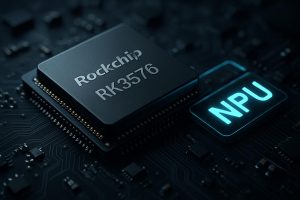
The RK3576 (launched in 2024) is Rockchip’s flagship for high-performance HMI and edge-interaction systems. As a very new platform, it requires careful evaluation before production commitment.
Appropriate for:
- Multi-display or high refresh-rate interfaces (driving 2+ screens)
Complex graphical layouts and 4K displays
Vision-assisted or AI-enhanced HMI features (on-device processing)
Real-time video encoding/streaming
Professional-grade visualization
However, RK3576 also brings:
- Significantly higher BOM cost
More demanding power and thermal design (up to 15W under load)
Longer system integration cycles (4-6+ weeks vs 2-3 weeks)
Less mature BSP (only 1-2 years production data)
Requires experienced engineering team
Key insight: RK3576 should be selected based on confirmed functional need, not future uncertainty or “just in case” scenarios.
Application-Oriented SoC Recommendations
From an engineering perspective, Rockchip SoC for HMI selection should always be aligned with real display requirements, power budget, and expected product lifecycle don’t just chase higher specifications.
Industrial Control Panel SoC
Priority: stability, lifecycle, cost
Recommended: PX30 (95% of cases) / RK3566 (complex visualization)
Why PX30?
- Proven LVDS integration with 1000+ industrial panels
Minimal thermal management (passive cooling sufficient)
8+ year supply commitment from multiple vendors
Cost-effective even for 1000-unit projects
Smart Home Control Hub Processor
Priority: UI experience, Android ecosystem, user delight
Recommended: PX30 (basic/budget lines) / RK3566 (mainstream/premium)
Strategic positioning:
1:Budget tie: PX30 + 7″ 1024×600
2:Mainstream : RK3566 + 10″ 1920×1200
3: Premium: RK3576 + 15″ 1920*1080
This three-tier approach covers market segments without cannibalizing margins.
Medical Device Display Processor
For a medical device display processor, long-term BSP support and GPU stability are often more critical than peak performance.
Priority: reliability, UI clarity, long-term support, regulatory compliance
Recommended: RK3566 / RK3576 (case-dependent)
Why not PX30?
- Medical displays often require higher resolution (1920×1080 minimum)
Complex UI (patient data, waveforms, alarms) benefits from GPU power
Regulatory bodies expect 10+ year hardware support commitment
Rockchip Embedded Processor for Industrial Applications
Priority: system-level integration
Recommendation depends on: display complexity + power budget + lifecycle + team expertise
Decision framework:
- Simple UI, long lifecycle, cost-critical → PX30
Medium UI, 5-7 year lifecycle, good headroom → RK3566
Complex UI, multi-display, or AI features → RK3576 (if genuinely needed)
Display Interface Matters More Than Many Teams Expect
Choosing an SoC without aligning to display interface is a major pitfall.
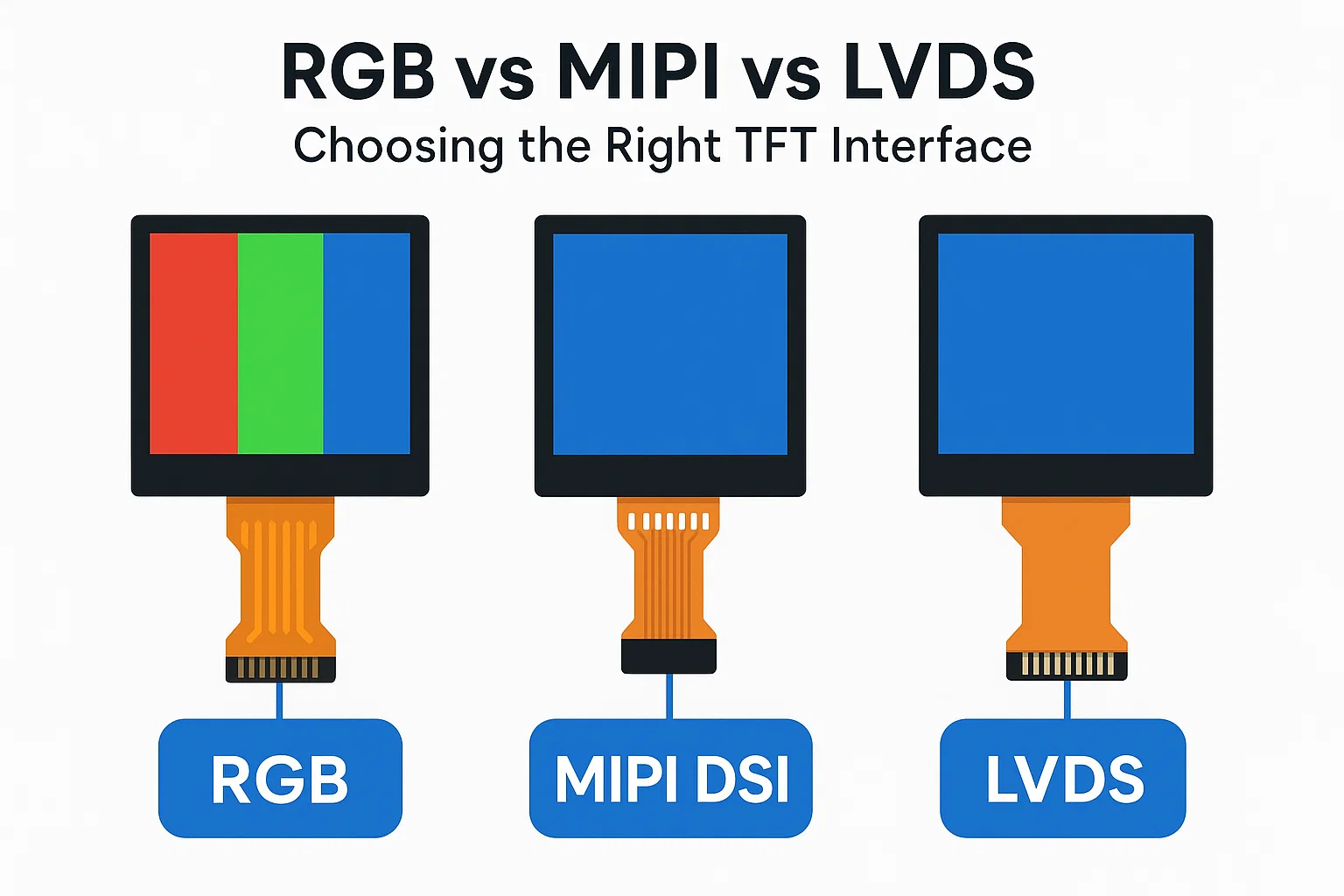
RGB Interface
Simple architecture, cost-effective for small displays
Limited to <1024×768 resolution
Higher EMI risk at higher resolutions
Use case: 4-5″ cheap panels
LVDS Interface
Excellent signal integrity and field stability
Ideal for 7″–15.6″ industrial panels
Widely used in industrial HMI ecosystem (largest panel selection)
Proven in 5000+ fielded systems
Use case: Most industrial HMI panels (5-15″)
MIPI Display Serial Interface
High bandwidth, compact cabling
Enables modern flexible/OLED screens
But requires careful driver tuning (expect 2-4 week integration)
Use case: >2560×1440 resolution, or flexible displays
Engineering reality: A well-matched SoC + display interface combination can reduce both development time and long-term field issues by 20-30%.
Recommendation: Use Board + Display co-design solutions (pre-integrated, pre-tested) rather than sourcing components independently. The 5-10% cost premium pays for itself in reduced debugging time.
Why System-Level Experience Matters (Where We Add Value)
Most SoC discussions stop at technical specs—but real industrial projects require much more.
At Rocktech, we support HMI projects across the full lifecycle:
✓ 500+ HMI and embedded projects successfully integrated
✓ Board + Display integrated solutions (reduces integration time by 30%)
✓ Dedicated HMI integration engineers (not just sales support)
✓ Long-term supply planning (beyond prototype phase)
✓ 10+ year technical support agreements with component vendors
This allows customers to:
- Reduce integration risk and avoid costly redesigns
Shorten development cycles by 4-6 weeks on average
Access proven reference designs and BSP configurations
Secure long-term component availability guarantees
Plan confidently for 5-10 year product lifecycles
How to Choose the Right Rockchip SoC for Your HMI Projects
When evaluating SoC options, ask yourself these critical questions:
1. UI Complexity
- Is your UI static with <100 elements? → PX30 likely sufficient
Do you need smooth 60fps animations with 200+ elements? → Consider RK3566
Are you building complex data visualization or multi-screen? → RK3566/RK3576
2. Display Specification
- 5-7″ with 1024×600 resolution? → PX30 + LVDS = proven path
10-15″ with 1920×1200+? → RK3566 + LVDS/MIPI = better fit
4K or multi-display? → RK3576 required
3. Production Volume
- <1000 units → Minimize engineering complexity (use PX30)
1000-10000 units → PX30 or RK3566 (balance cost & capability)
10000 units → Can invest in optimization, consider RK3566/RK3576
4. Lifecycle Planning
- 3-5 years → Latest technology is fine
5-10 years → Must choose proven options (PX30 > RK3566 >> RK3576)
10+ years → Mature platforms only (PX30 with vendor commitment)
There is no “best” SoC—only the most appropriate one for your constraints.
Conclusion
If you want to de-risk your roadmap, treat Rockchip SoC for HMI planning as part of platform lifecycle management, not a one-time component choice.
The comparison of PX30 vs RK3566 vs RK3576 reveals a key truth about Rockchip-based HMI platforms:
- PX30 dominates stable, cost-driven industrial HMIs (proven 8+ years)
RK3566 balances performance and scalability (4+ years field validation)
RK3576 enables advanced, high-end interaction (new, requires careful evaluation)
Successful Rockchip SoC selection depends on system-level thinking, realistic cost analysis, and long-term supply planning—not specification chasing. In long-lifecycle industrial products, Rockchip SoC for HMI decisions should always be evaluated from a system-level perspective rather than raw performance alone.
Quick Decision Reference
| Application | First Choice | Why | Alternative |
|---|---|---|---|
| Industrial control panel | PX30 | Cost, proven stability | RK3566 (if 2K display) |
| Smart home hub | PX30/RK3566 | UI experience matters | RK3576 (if 4K+) |
| Medical device | RK3566 | Reliability, long support | RK3576 (if multi-display) |
| Retail/POS terminal | PX30 | Cost critical | RK3566 (if video required) |
| AI-enabled HMI | RK3566 | NPU via external module | RK3576 (if on-chip AI) |
Next Steps: How We Can Help
If you are evaluating PX30, RK3566, or RK3576 for an HMI project, our engineering team can support your Rockchip SoC for HMI selection, including processor choice, display integration, and long-term platform planning.
Immediate assistance:
- SoC Selection Consultation — 30-minute call with HMI specialist
- Cost Analysis — Custom BOM breakdown for your project
- Technical Evaluation Sample — Pre-integrated development board
Design & Integration:
- Board + Display Kit — Pre-matched, pre-tested hardware bundles
- BSP & Driver Support — Proven Android/Linux configurations
- Reference Design — Schematics, PCB layouts, Bill of Materials
Long-term partnership:
- 10+ Year Supply Commitment — Guaranteed availability planning
- Technical Support — Dedicated engineering team for your project
- Lifecycle Management — Support for product revisions and upgrades
Contact our HMI integration team. We are a leading Rockchip solution provider specializing in industrial HMI systems. Since 2010, we’ve integrated 500+ HMI projects ranging from industrial control to medical devices, helping teams choose the right processor and avoid costly mistakes.