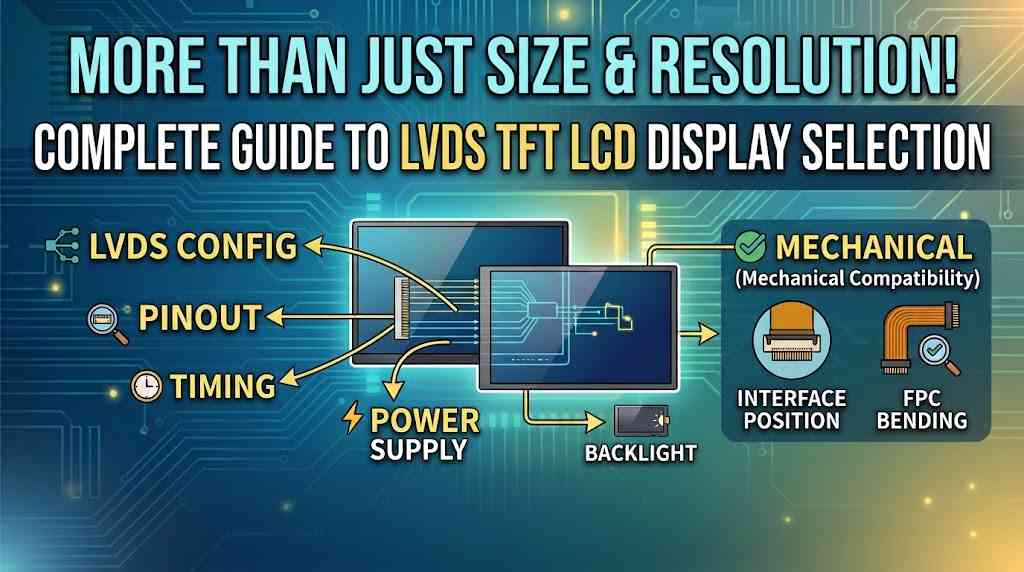
Choosing an LVDS TFT LCD replacement may seem straightforward when the screen size and resolution match the original display. However, interface configuration, pinout, timing, power supply, backlight, and mechanical dimensions must also be compatible with the existing system.
In actual replacement projects, this is often where the problems start.
Resolution and size is not the only characteristic of an LVDS TFT LCD. All of this (LVDS channel configuration, color mapping, pinout, timing, power supply and backlight) must be compatible with the existing controller. Mechanical elements are a factor as well. If the connector is placed in a different position or if the FPC is bent, even if it is a standard panel, it may not be easy to install.
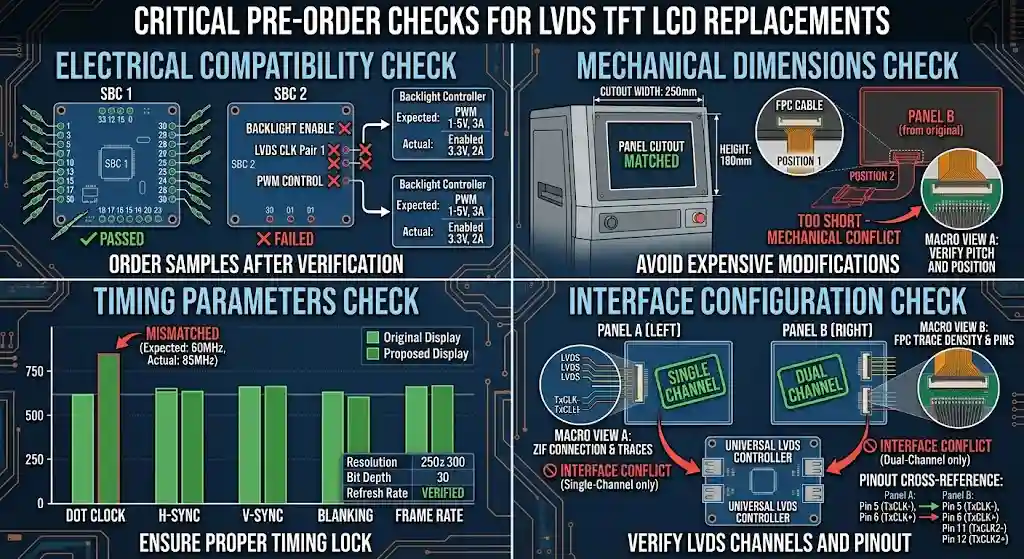
Therefore an LVDS replacement needs to be tested both electrically and mechanically prior to ordering samples.
Why Two LVDS TFT LCD Are Not Always Compatible
LVDS, or Low-Voltage Differential Signaling, is a technology which has been adopted extensively for TFT LCDs in industrial equipment, HMI systems, embedded computers and other applications.
The interface is fairly standardized but not every LVDS TFT LCD is compatible to the others.
Use 2 10.1″ panels that have the same resolution of 1280 x 800. One can have single channel LVDS and the other dual channel LVDS. They can also utilize different color mapping, timing parameters or a different connector pinout.
The connector can sometimes be the confusion-reducer. The connectors can be the same size (30-pin for instance), but the pin assignment is different in each panel. If they are plugged directly into each other without reading the drawing, it could lead to a no display or to the wrong colors being displayed or in the worst case to a hardware problem.
The backlight needs to be checked as well. It’s LED voltage, current, enable control and PWM control. An LVDS side can be electrically compatible with a panel while the backlight is not compatible with the original controller.
When selecting an LVDS display replacement, checking the complete interface and electrical specifications is more reliable than comparing screen size and resolution alone.
What to Check Before Choosing an LVDS TFT LCD Replacement
Before choosing an LVDS TFT LCD replacement, compare the original LCD model or datasheet with the proposed panel. Some compatibility requirements are obvious, while others can be easy to overlook during the initial selection.
| Parameter | What to check |
|---|---|
| Size and resolution | Active area, outline and pixel resolution |
| LVDS interface | Single-channel or dual-channel |
| Color | 18-bit or 24-bit |
| Data mapping | VESA or JEIDA |
| Connector | Type, pin count, position and pinout |
| Timing | Pixel clock and horizontal/vertical timing |
| Power | LCD input voltage and current |
| Backlight | LED voltage, current, PWM and enable |
| Mechanical | Thickness, FPC direction, mounting holes and connector position |
One of the first things to check is the LVDS pinout. Don’t take it for granted that the same connector is the same wiring. Power and ground, as well as LVDS data pairs and control signals should be checked against the original panel.
Another common source of trouble is timing. The output settings of the controller board are different and the replacement panel’s timings are different. The display may stay blank or be unstable even when the LVDS signal is present if they don’t match.
Mechanical compatibility can be as crucial in a final product as chemical. If there are a few millimeters of difference in thickness or a connector on the other side or the FPC is in the wrong direction, it may need to be modified on the enclosure or cable.
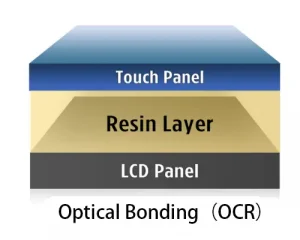
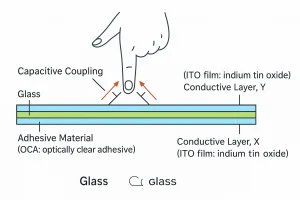
Brightness, viewing angle, operating temperature and surface treatment can also be important and may require maintenance of the original design for outdoor or industrial equipment. Any CTP cover glass or optical bonding on the LCD should be covered along with the LCD and not separated out for replacement.
18-Bit, 24-Bit, VESA and JEIDA
These terms are frequently used in conjunction with each other in LCD data sheets of LVDS LCDs.
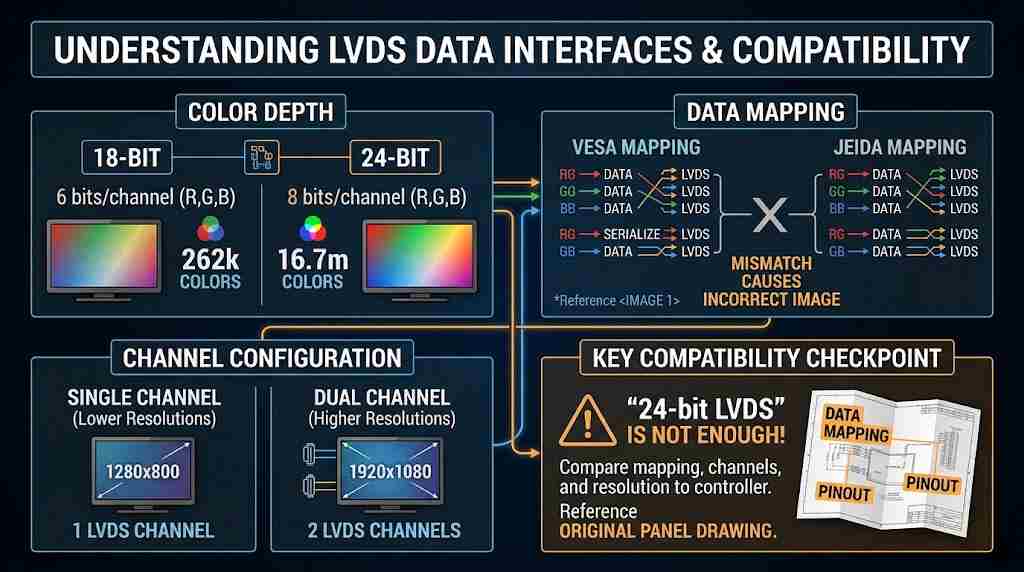
The normal arrangement for an 18bit LVDS display is to supply 6 bits of data for each of the red, green, and blue channels, and for a 24bit display, 8 bits for each channel. The latter has the ability to display a maximum of 16.7 million colors.
VESA and JEIDA are different ways of mapping the RGB data onto the LVDS interface. When both the controller and the panel are using different mappings, it is possible that the image is incorrect even though the data is being sent to the panel.
Another aspect of the compatibility check is single channel and dual channel. Depending on the resolution, two LVDS channels could be needed to carry the data amount required for a higher resolution display, and one channel would be enough for a lower resolution display.
This is why it is important to note that “24-bit LVDS” isn’t a full disclosure of information. The data mapping and channel configuration still must be compared to the controller.
If the product is already in existence, the original drawing from the panel is generally the fastest method of obtaining this information.
What Usually Goes Wrong During an LVDS Replacement?
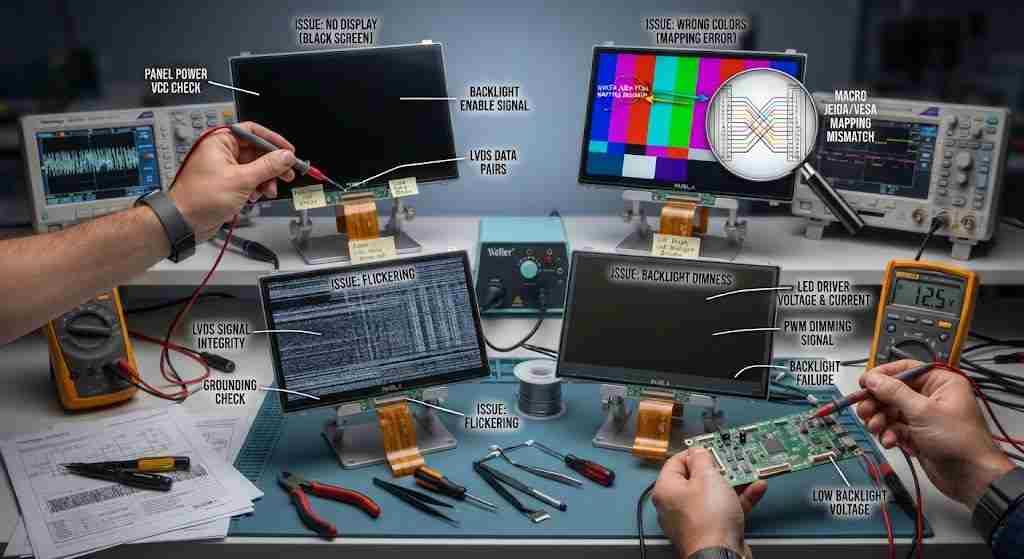
If an LVDS display replacement shows a black screen, it does not necessarily mean the new LCD is faulty. The cause may be related to power, backlight control, pinout, or timing compatibility.
The first checks are normally the panel power and backlight. Once this is done, the connector and pinout should be checked. Once the backlight is on, with no image, a focus can be put on the LVDS channel configuration, mapping and controller timing.
Wrong colours are often related to VESA/JEIDA mapping or color-depth settings. The panel might be getting the proper signal, but its interpretation differs from that of the controller.
The flickering is a bit more complicated. It can be timing, pixel clock, signal quality, cable length and grounding all contribute. If this is old equipment that has been using the same cable for several years, also check the LVDS cable and connector.
The image may be clear, but the backlight may be too dim, unmodifiable or not turn on. If so, the trouble may not be LVDS, but rather with the application. The LED backlight voltage, current and control signal should be compared to the original design.
It typically takes less time to troubleshoot this way, as the original panel model, controller information and drawing are always available.
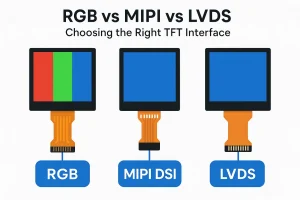
LVDS vs. MIPI DSI, RGB and eDP
LVDS is still found in a large number of industrial and embedded products, especially where the controller board was designed around an LVDS output.
MIPI DSI is more likely to be found in newer embedded systems and processors that have native support for the MIPI display standard. RGB is still used in some applications based on the MCU, especially smaller displays. eDP is used in computing, and applications requiring higher resolution displays.
| Interface | Common application | Main compatibility concern |
|---|---|---|
| LVDS | Industrial and embedded systems | Channel, mapping, timing and pinout |
| MIPI DSI | Embedded processors | Lane configuration and DSI compatibility |
| RGB | MCU-based systems | Data width and timing |
| eDP | Computing and higher-resolution systems | Link and controller compatibility |
The interface should normally be selected according to the host controller. A panel with the same size and resolution but a different interface is not automatically a replacement.
Replacing a Discontinued LVDS TFT LCD
Finding a suitable LVDS TFT LCD replacement for a discontinued display requires more than matching its size and resolution. The original panel’s interface, pinout, timing, backlight, and mechanical specifications must also be evaluated.
The first documentation should be done with the original panel. It simplifies the comparison of alternatives because of its interface, resolution, timing, pinout, backlight and mechanical dimensions.
In some cases, the newer panel can be utilized without having to replace the primary controller. Otherwise, small hardware changes are required. For instance, if the connector has a different pin position, a customized FPC can resolve it. The cover glass, touch panel, mounting structure or backlight may also be adjusted as per the product.
That’s where sample testing comes into play. While a datasheet comparison can help you whittle down the choices, it will not always provide you with a good idea of how the replacement will work in the actual product.
The process of replacement for an industrial device that is already in production is generally that the first step is to compare and review the original LCD, then the interface, finally mechanical comparison, review drawing, sample testing etc. If the new panel is able to cooperate with the old system, the project can go to the pilot production and mass production stage.
LVDS TFT LCD Solutions from Rocktech
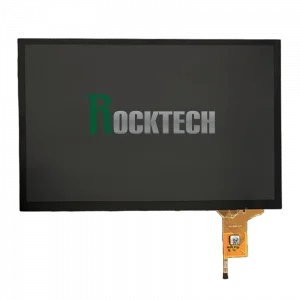
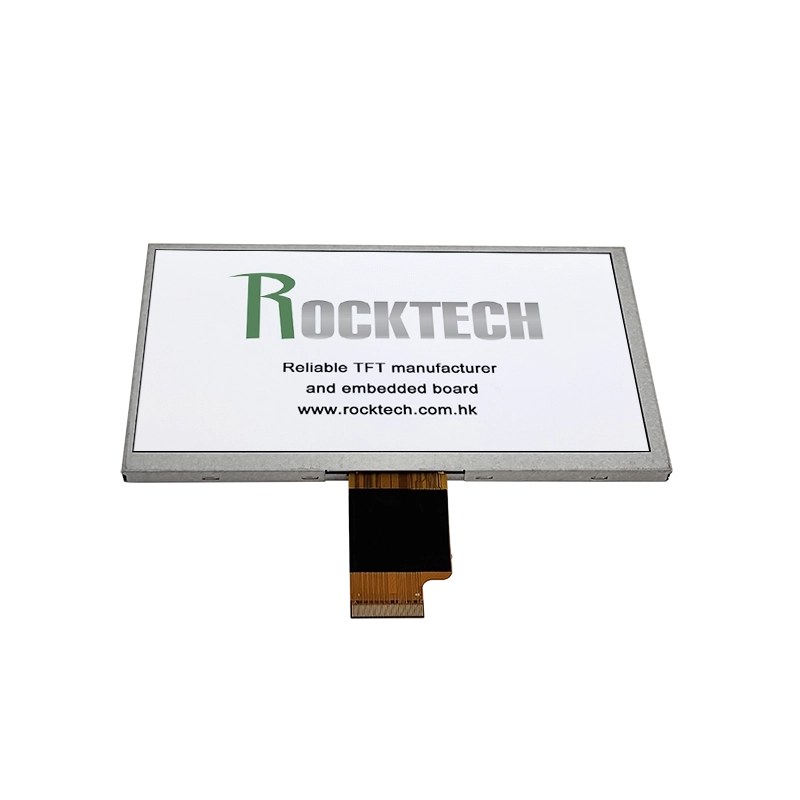
Once an LCD is discontinued, locating another panel of the same size is just the first hurdle.
The first documentation should be done with the original panel. It simplifies the comparison of alternatives because of its interface, resolution, timing, pinout, backlight and mechanical dimensions.
In some cases, the newer panel can be utilized without having to replace the primary controller. Otherwise, small hardware changes are required. For instance, if the connector has a different pin position, a customized FPC can resolve it. The cover glass, touch panel, mounting structure or backlight may also be adjusted as per the product.
That’s where sample testing comes into play. While a datasheet comparison can help you whittle down the choices, it will not always provide you with a good idea of how the replacement will work in the actual product.
The process of replacement for an industrial device that is already in production is generally that the first step is to compare and review the original LCD, then the interface, finally mechanical comparison, review drawing, sample testing etc. If the new panel is able to cooperate with the old system, the project can go to the pilot production and mass production stage.
FAQ
What is an LVDS TFT LCD?
An LVDS TFT LCD is a TFT display module that uses LVDS as its digital interface between the controller and the LCD panel. It is commonly used in industrial and embedded equipment.
Can I replace an LVDS LCD with another panel of the same size and resolution?
Not necessarily. The LVDS channel configuration, color depth, data mapping, pinout, timing, power and backlight requirements also need to be compatible.
What is the difference between single-channel and dual-channel LVDS?
Single-channel LVDS uses one LVDS data channel, while dual-channel LVDS uses two. The required configuration depends on the amount of display data being transmitted.
What are VESA and JEIDA?
They are different RGB data-mapping methods used with LVDS. If the controller and LCD use different mappings, the display may show incorrect colors.
Can a discontinued LVDS LCD be replaced without changing the controller?
Sometimes. If the replacement has compatible electrical, interface and timing characteristics, the original controller may be retained. If there are differences, an FPC or other hardware changes may be required.
What information is needed to find an LVDS replacement?
To identify a suitable LVDS TFT LCD replacement, start with the original LCD model number or datasheet. Resolution, LVDS configuration, color depth, data mapping, connector pinout, timing, backlight requirements, and mechanical dimensions are all useful for compatibility assessment.
Final Thoughts
Choosing the right LVDS TFT LCD replacement starts with verifying electrical, interface, backlight, and mechanical compatibility before ordering samples.
Details which cause issues are frequently embedded in the interface drawing: pinout, LVDS mapping, timing, backlight requirements and mechanical dimensions. The time part of ordering samples can be saved by checking those items before ordering.
For an old product, the initial LCD product and drawing typically suffice for the evaluation. From there, a suitable replacement can be selected because of the actual controller and product requirements—not just based on appearance.