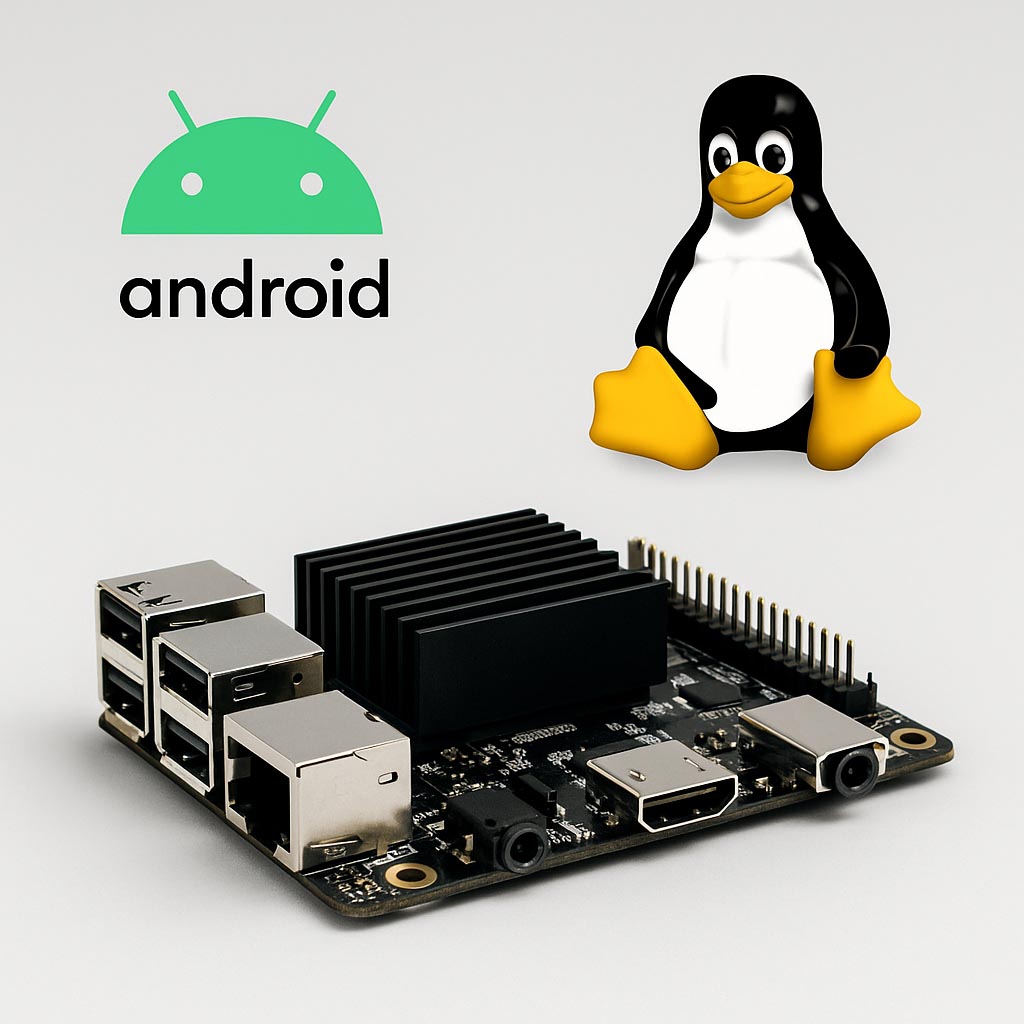
In many embedded sbc projects, engineers eventually face a practical decision: should the system run on an Android-based SBC or on a Linux SBC? The hardware may look similar, but the way the two platforms behave during development and deployment can be very different. This is especially true in projects involving displays, industrial sensors, or long-running unattended systems.
1. What Is an Android SBC?
An Android SBC is a single-board computer that operates on a version of AOSP and is usually modified. These boards utilize processors that are usually in consumer electronics like SoCs from Rockchip, Amlogic and Qualcomm. Most Android SBC reuse the same software layers found in phones—SurfaceFlinger for rendering, MediaCodec for decoding, and the familiar Activity lifecycle. If you’ve ever worked with Rockchip’s RK3566 or Amlogic boards, the environment feels almost identical to an Android tablet, just without the Google apps.
As Android plays a big role in the market for phones and tablets, the operating systems and SBCs supporting Android have strong performance in video playback, web browsing, UI via hand gestures, and hardware accelerated animation. Because of these traits, the SBCs have a high compatibility with systems and devices that need smooth graphics and high performance in multitasking.
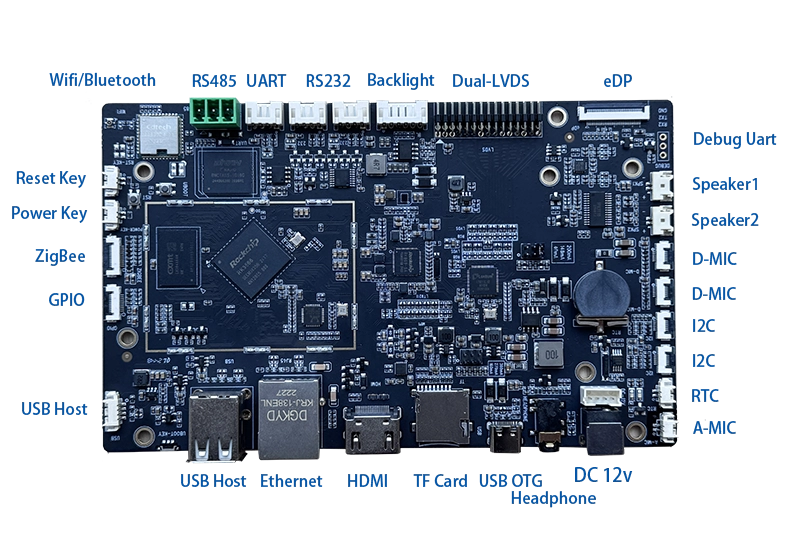
2. What Is a Linux SBC?
An SBC running Linux works with a modified version of Linux. These SBCs do not use Operating System s like Android, which provides a higher level operating system interface, and instead provide a lower level operating system interface. With Linux SBCs, you usually get much more control. You can rebuild the kernel, tweak the device tree, or strip the system down if you need something lightweight. Of course, this also means extra work when integrating new peripherals.
Linux SBCs have use cases in industrial automations, robotics, networking, data acquisition, and any other device which needs a precise behavior. Linux opens enough flexibility that system designers can customize the system for the needed performance, security, and maintenance at any point in the systems lifecycle.
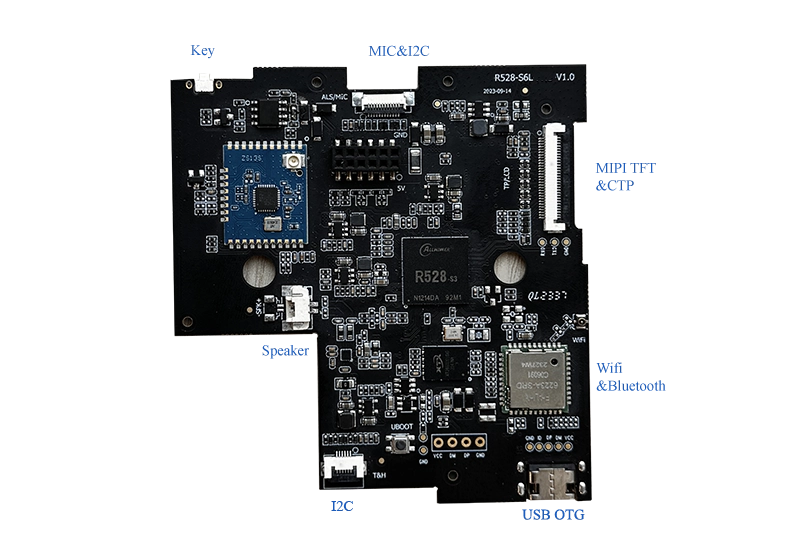
3. System Architecture Differences
Although Android uses the Linux kernel, the system architecture differs substantially from a standard Linux environment.
- Android Framework: Includes application layers such as Activity Manager, Input Manager, SurfaceFlinger, and MediaCodec.
- Linux User Space: Provides a traditional POSIX environment with standard libraries, shell tools, and processes.
- Hardware Abstraction: Android utilizes the HAL model, while Linux typically exposes device drivers directly through kernel modules and device files.
These architectural differences influence development workflows, peripheral integration, and system customization options.
4. Boot Process and System Behavior
Android’s boot sequence is designed around mobile devices. After the bootloader loads the kernel, Android initializes its framework layers, services, and system components. The presence of additional layers increases complexity but also enables rich contextual features such as application lifecycle management and integrated media services.
Linux follows a more direct boot path. After loading the kernel, the init system (commonly systemd or BusyBox init) starts user-space processes and services. This structure offers greater transparency for developers who need control over timing, background tasks, or real-time behavior.
5. User Interface Capabilities
On Linux, the UI toolkit you choose matters a lot. Qt works well on many boards, but only if the GPU drivers are mature. Otherwise, you may end up using a simpler framebuffer-based UI.
Android SBCs:
- Optimized for touch input and gesture interaction
- Smooth animations and GPU acceleration
- Integrated multimedia frameworks
- Well-suited for applications similar to those on consumer devices
Linux SBCs:
- UI frameworks vary (Qt, GTK, HTML-based interfaces)
- Graphics performance depends on the windowing system and GPU drivers
- Often chosen when the UI is simple or secondary to system logic
For devices that rely heavily on video playback, web content, or visually rich UI, Android provides an advantage due to years of optimization in the consumer electronics industry.
6. Peripheral and Driver Support
Android usually supports the peripherals that the SoC vendor intended—display, audio, camera, touch. But if you need an uncommon sensor or a custom SPI device, modifying the HAL layer becomes tedious. Linux, on the other hand, lets you patch or load your own kernel modules more easily.
Linux provides broader flexibility. Developers can compile their own kernel modules, modify device trees, or integrate new drivers directly. This is especially useful for projects involving custom sensors, industrial communication buses, or nonstandard hardware interfaces.
7. Performance and Responsiveness
Android performs well in applications involving user interaction, animation, and media. The system prioritizes UI responsiveness and ensures predictable frame updates. However, background tasks and real-time operations are not the primary focus of Android’s scheduling model.
Linux provides more predictable behavior for computational tasks, multi-threaded control loops, and timing-sensitive applications. Engineers can configure kernel options, optimize scheduling, or even use PREEMPT_RT patches for enhanced real-time performance.
8. Power Management Characteristics
Android includes advanced power management inherited from mobile platforms, such as dynamic frequency scaling, sleep modes, and application lifecycle control. These features are beneficial for battery-operated systems.
Linux also supports DVFS and power management, but configuration is more manual. Power usage may vary depending on the window system, background services, and driver implementation.
9. Software Development Experience
Android development primarily uses Java or Kotlin, with optional C/C++ layers via the NDK. Android Studio provides a standardized workflow for building applications and managing UI layouts.
Linux development is more flexible and supports C, C++, Python, Go, and shell scripting. Development may take place directly on the board or through cross-compilation tools. This environment is preferred for systems requiring custom logic, networking tools, or integration with low-level hardware.
10. Cost and Hardware Considerations
Android SBCs often use SoCs optimized for multimedia, resulting in efficient video performance and integrated GPU capabilities. For products where visual interaction is central, this can reduce complexity in software design.
Linux SBCs span a wider range of performance tiers, from low-cost boards to high-end processors. They are used in environments demanding long-term stability, extended temperature ranges, and predictable supply chains.
11. When to Choose Android SBC
An Android SBC is a practical choice when:
- The application depends on a modern touch-based UI
- Video playback or streaming is a core feature
- The device requires web browsing or WebView-based interfaces
- The project benefits from Android’s application framework
- Fast development of interactive apps is a priority
Examples include smart displays, HMI panels, point-of-sale terminals, multimedia kiosks, fitness interfaces, and home automation hubs.
12. When to Choose Linux SBC
A Linux SBC is the better option when:
- The system runs complex background processes or multi-threaded tasks
- Deterministic behavior is required
- Custom hardware peripherals must be integrated
- Long-term software stability is critical
- A traditional Linux environment is preferred for development
Linux SBCs are common in industrial automation, robotics, networking devices, edge computing, instrumentation, and data logging equipment.
13. Conclusion
There isn’t a universal winner. In practice, most teams choose Android when the display is the center of the product and choose Linux when the system logic matters more than the interface. Understanding the trade-offs early helps avoid expensive redesigns later.